iPod Classic
Bluetooth Mod
About This Build
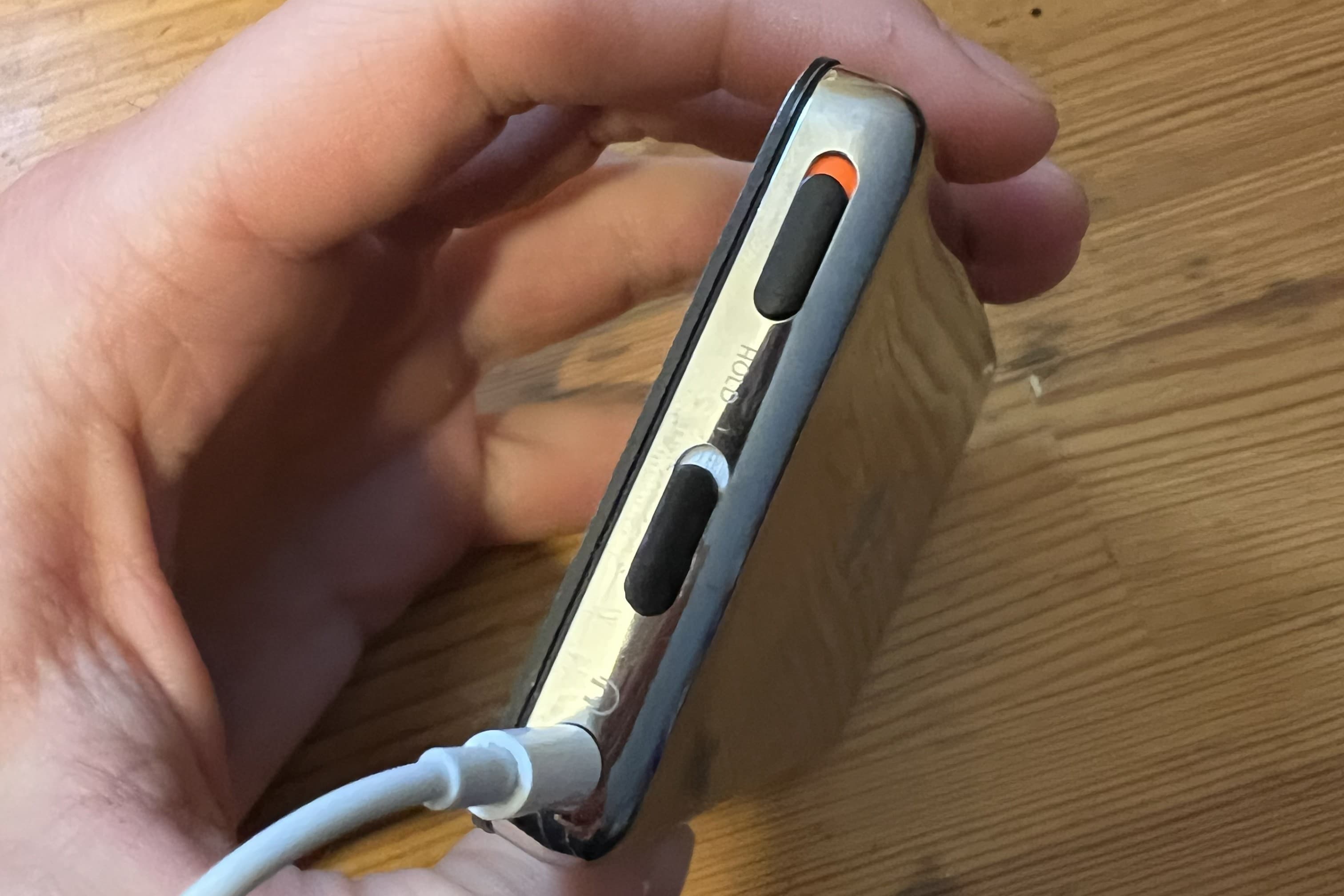
This is my take on an iPod classic bluetooth mod that preserves hold switch functionality and maintains the original aesthetics of the iPod. I didn't want want to sacrifice the ability to use the hold switch, so I designed this custom mount and switch that integrates with the existing mounting hardware inside the body of the iPod. I made sure to keep the clip that holds the backplate in place, so the installation of this mod doesn't affect the connection between the backplate and the body.
This mod requires drilling an additional slot in the backplate to allow the new switch to protrude through. This is the only difficult part of the installation. After installing the switch, the rest of the bluetooth mod follows what is already well documented online, such as the tutorial by Parts Plus Mods.
What You'll Need
Tools
- 3D Printer with 0.2mm nozzle
- Phillips screwdriver
- Side cutters
- Soldering iron
- Super glue or epoxy
- Electrical tape
Parts
- Mini 7-pin SMD Slide Switch (Part: SPDT MSK-12C02)
- Push Button (Part: B3F-1020)
- PETG filament (preffered, but PLA works too)
The Build
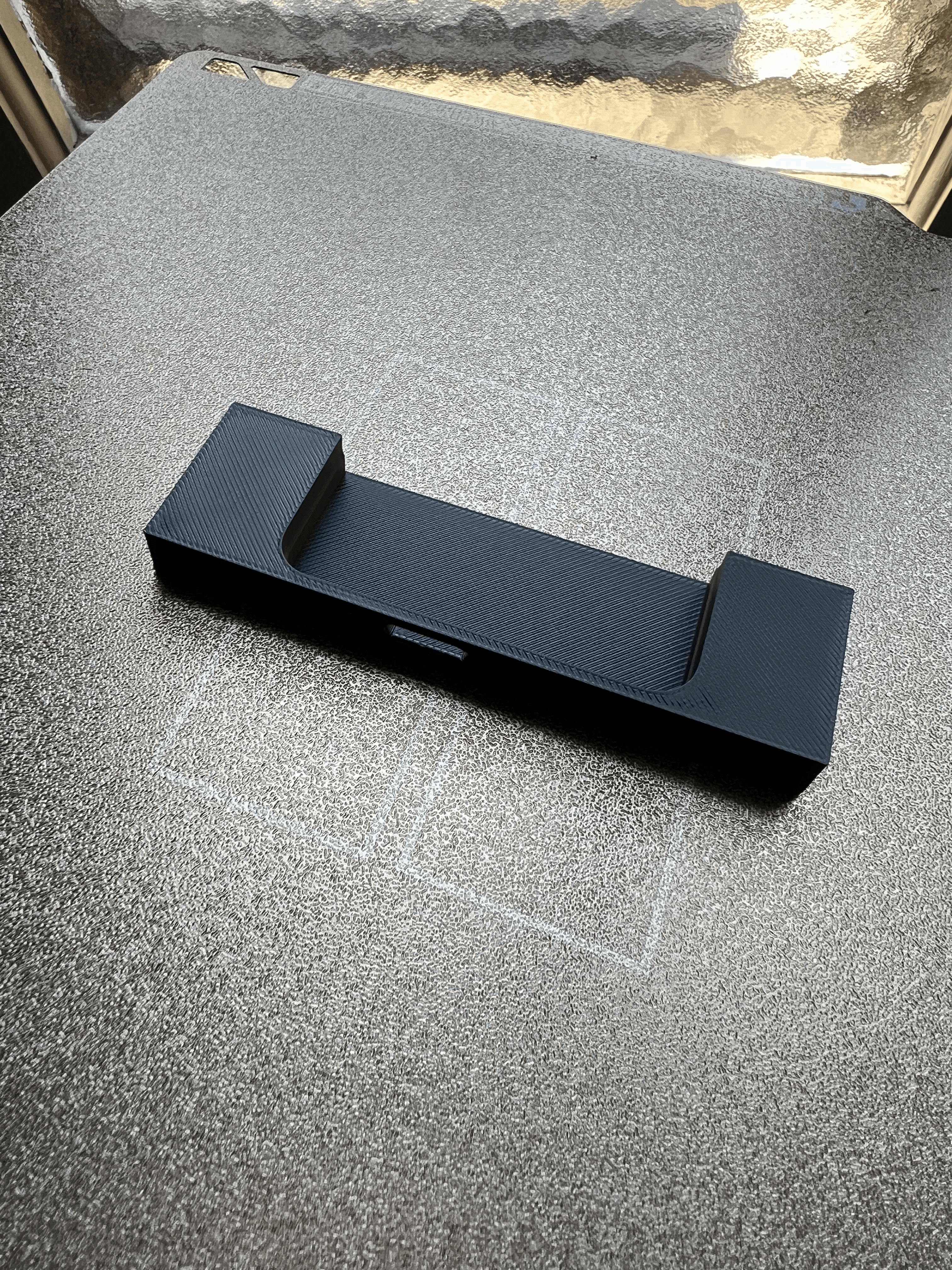
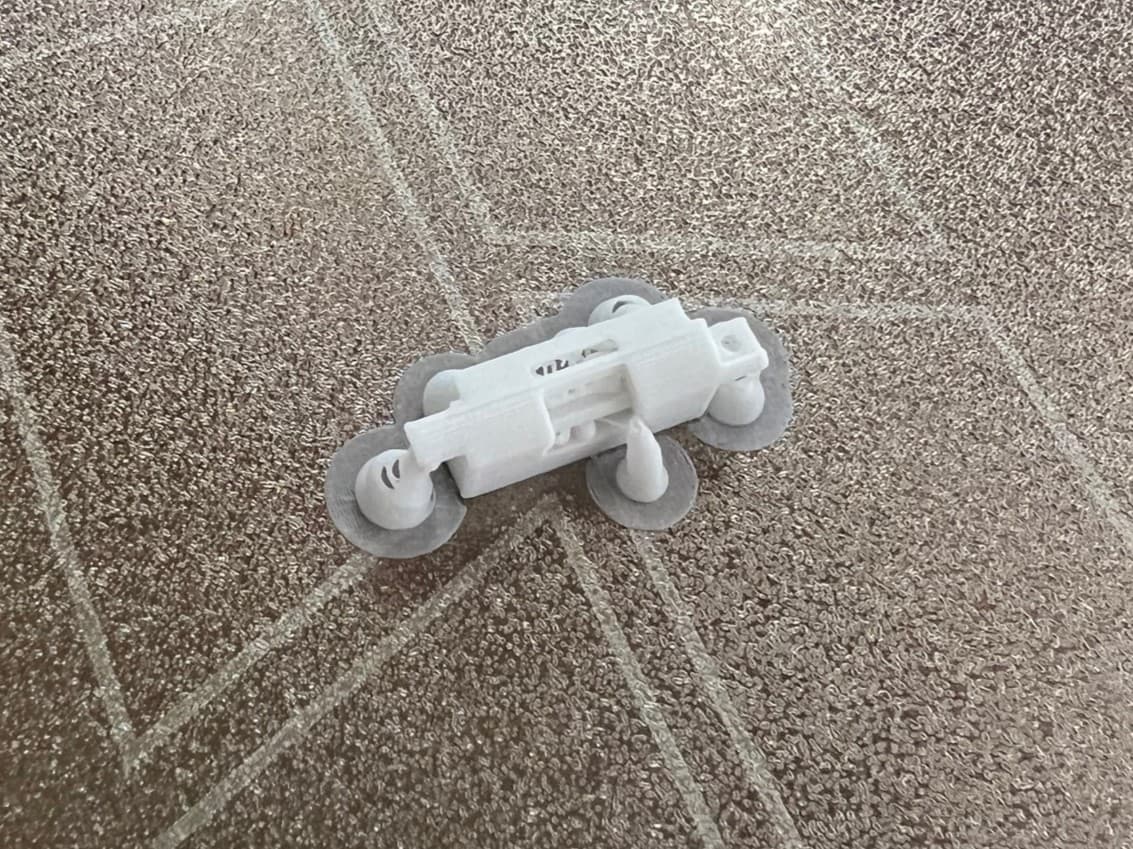
Print the components
For this mod you'll need: 1x Mounting Bracket (Print colour determines switch accent colour... I used white) 1x Bluetooth Switch 1x Alignment Jig 1x Button Holder Part files can be found at https://makerworld.com/en/models/2914465-ipod-classic-bluetooth-switch The button holder was created by Joseph Yunecko and can be found at https://www.thingiverse.com/thing:7091713
Remove the Backplate
Tutorial from ifixit: https://www.ifixit.com/Guide/iPod+Classic+Rear+Panel+Replacement/563
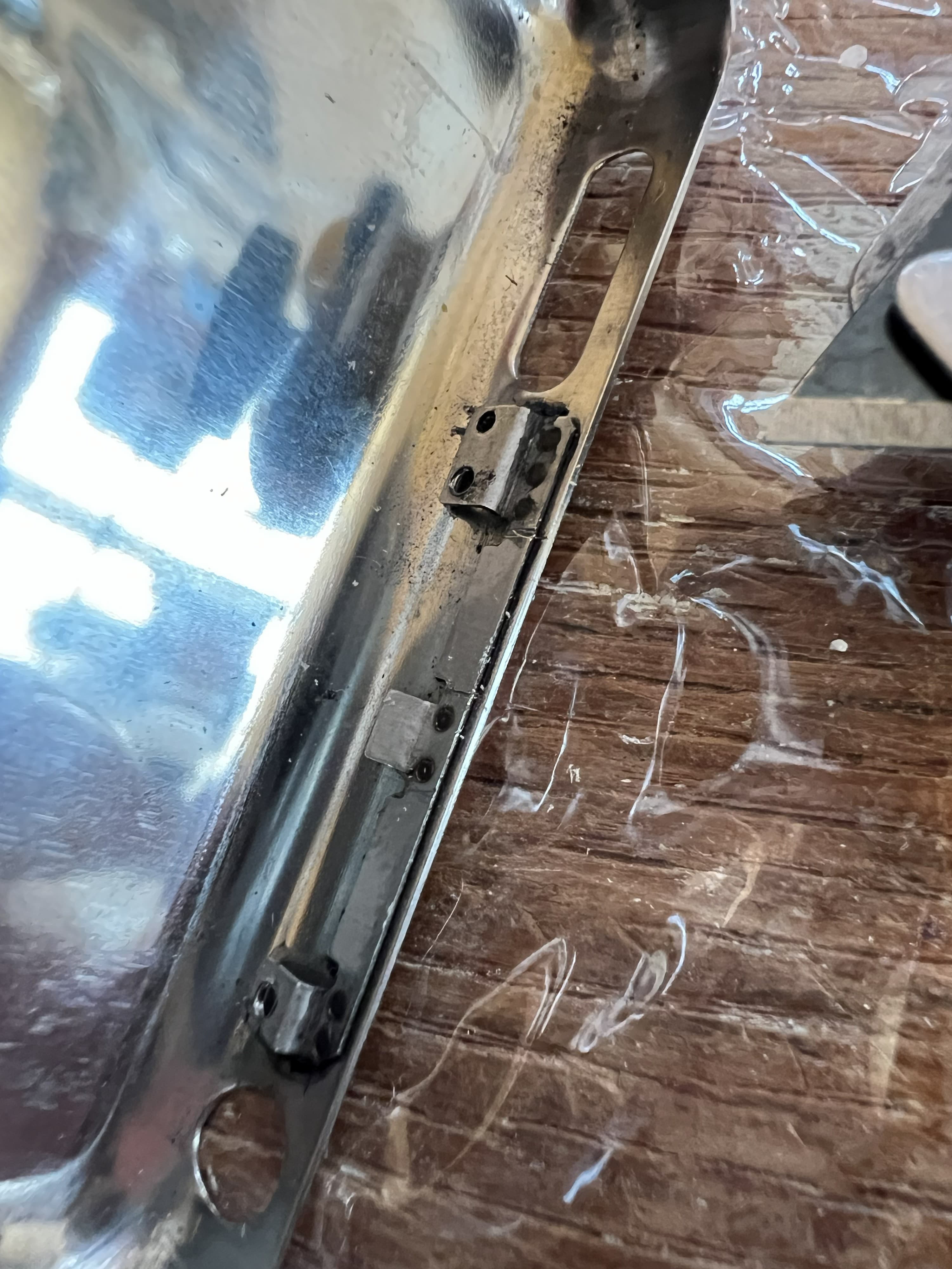
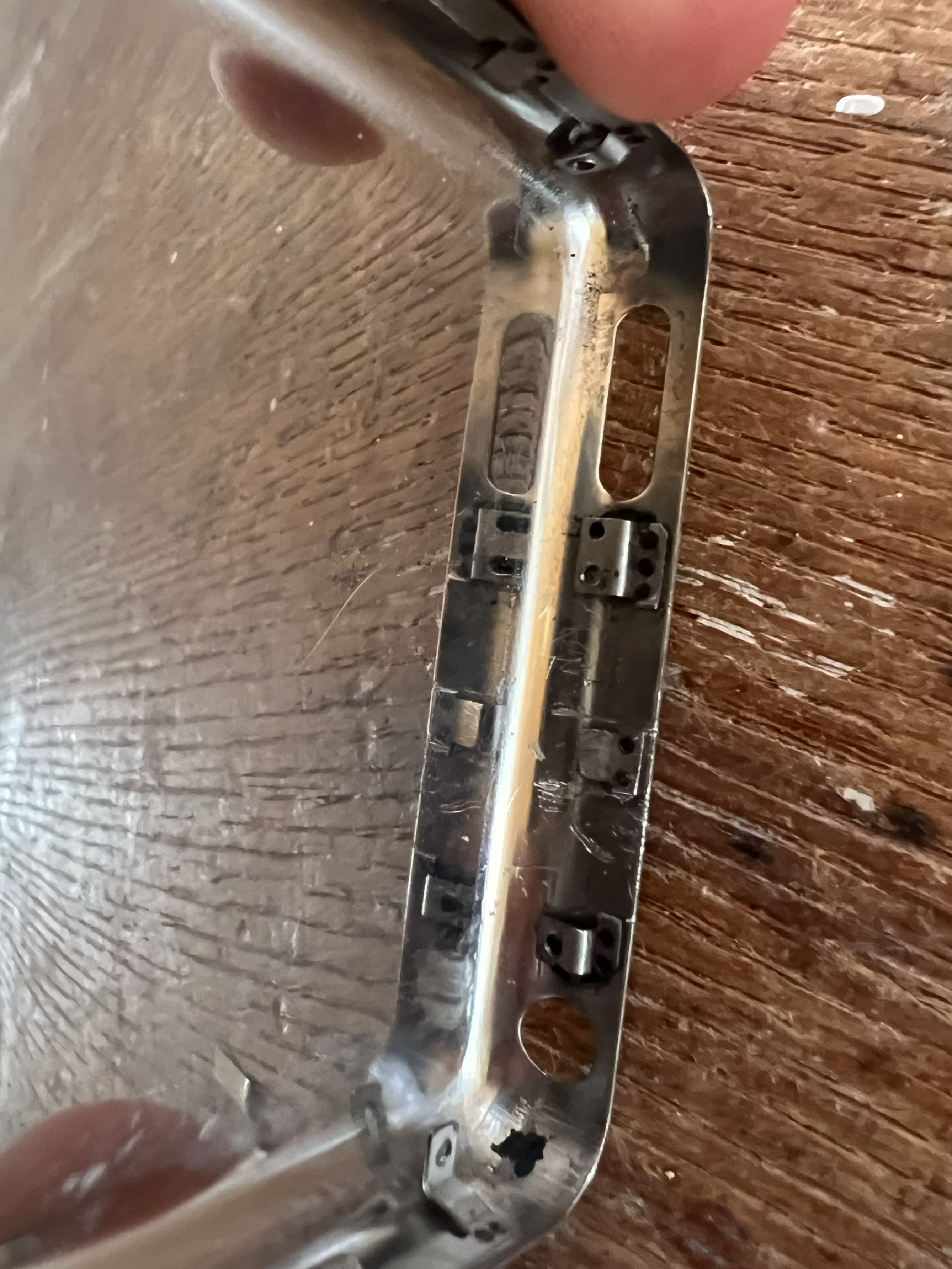
Prepare the Backplate
You'll need to remove the rail from between the headphone jack screw mount and the hold switch mount. Don't worry about keeping the center clip, this will need to be removed too. Alternatively you could skip to step 4 and remove the rail after drilling the holes.
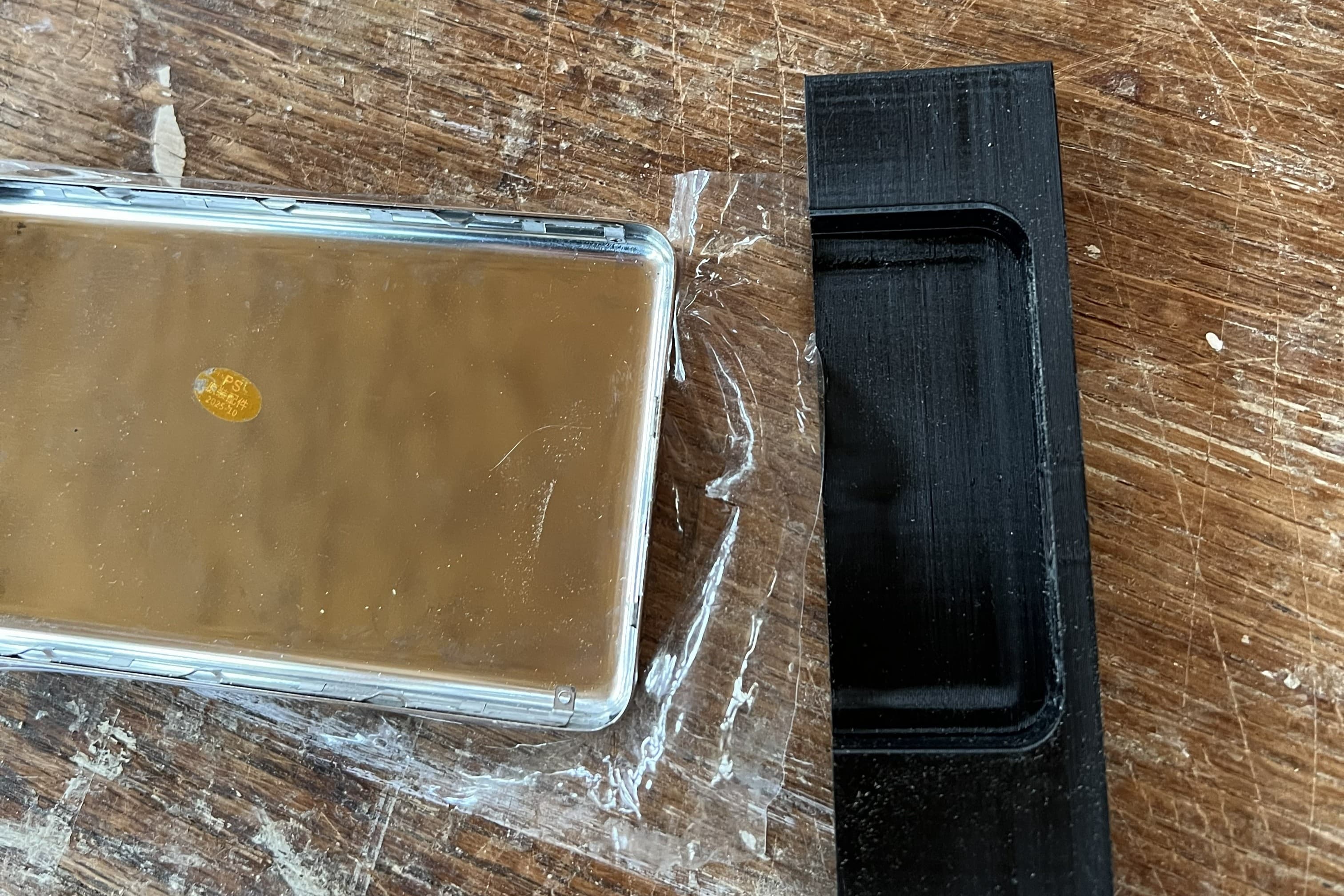
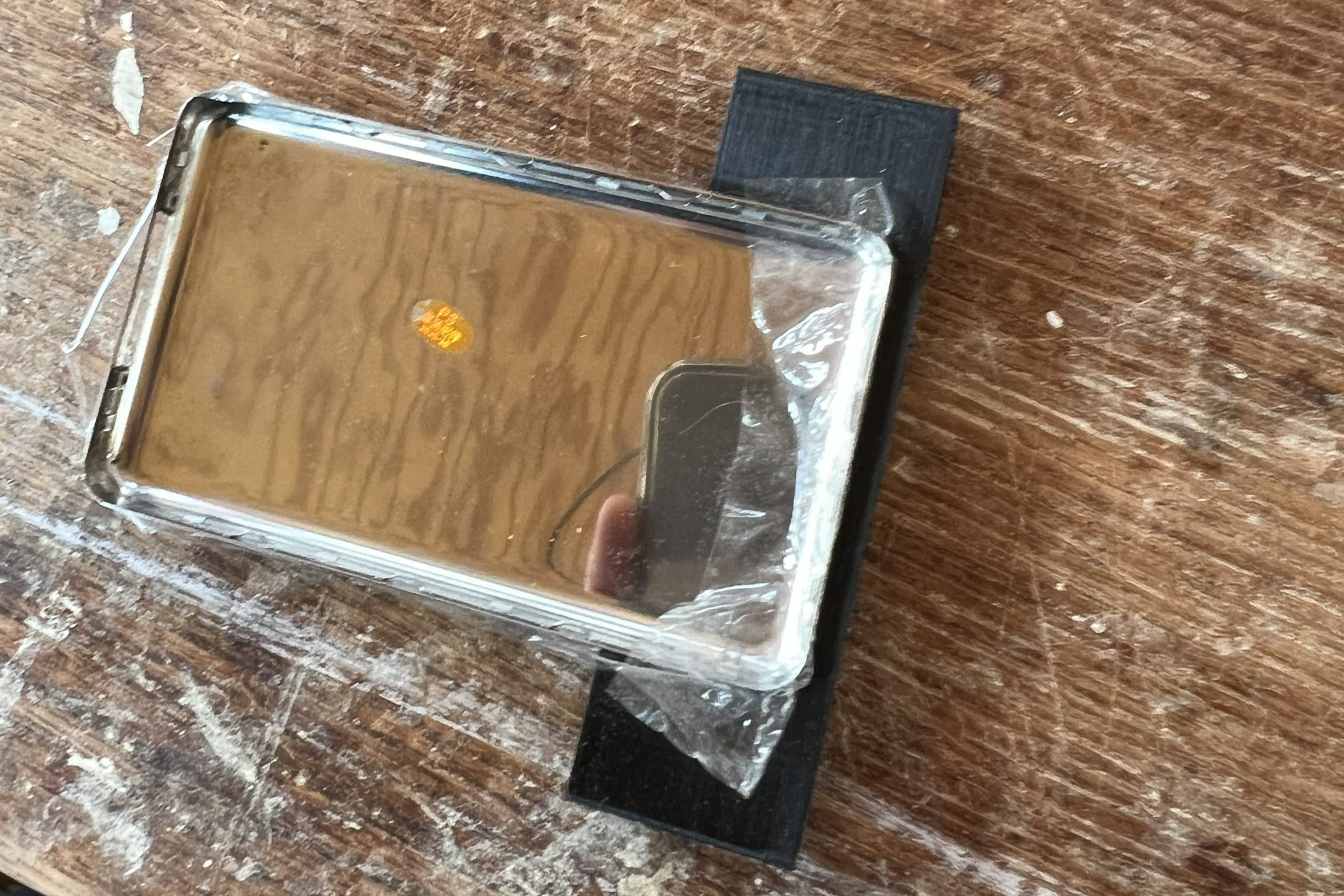
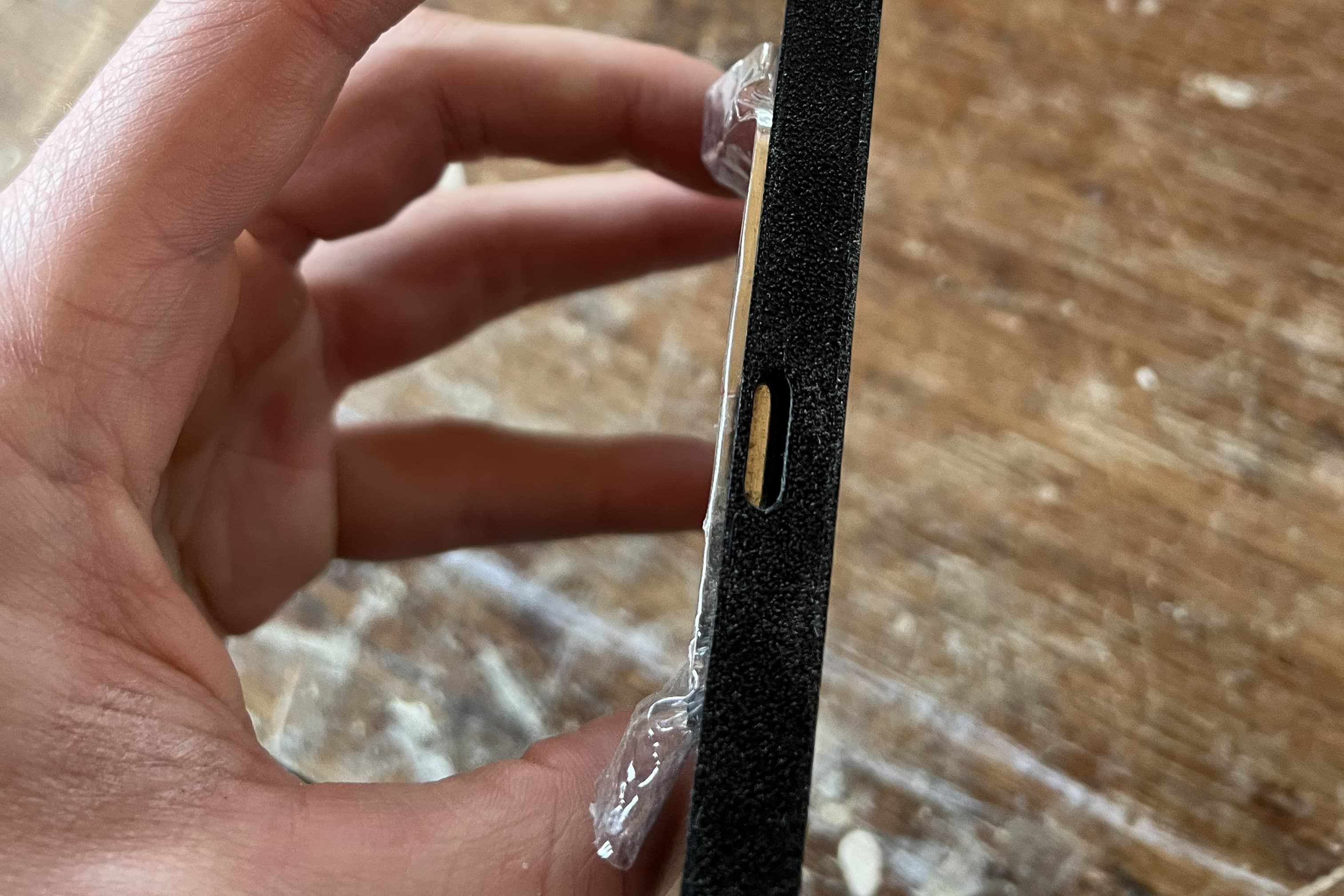
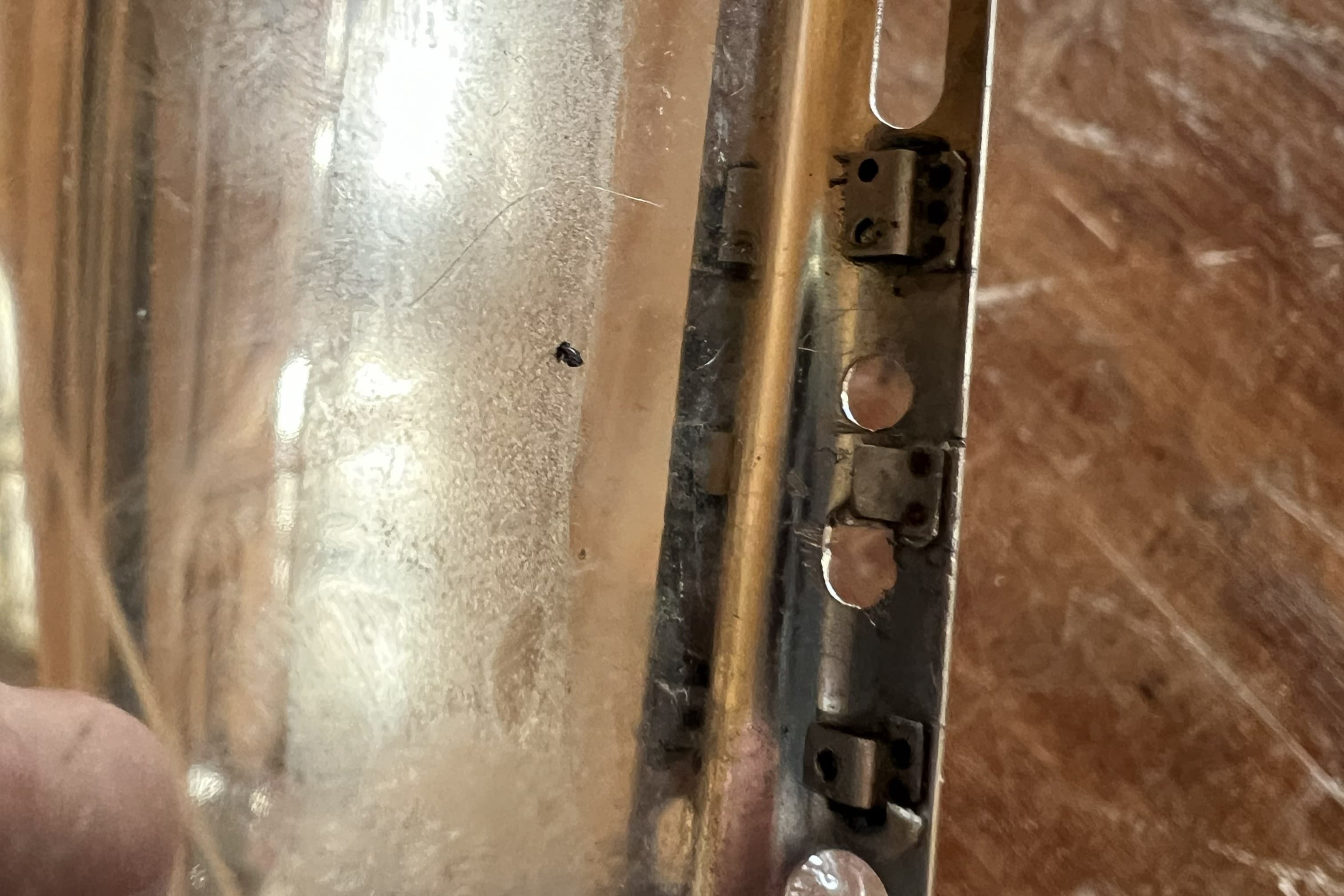
Drill Holes for Opening
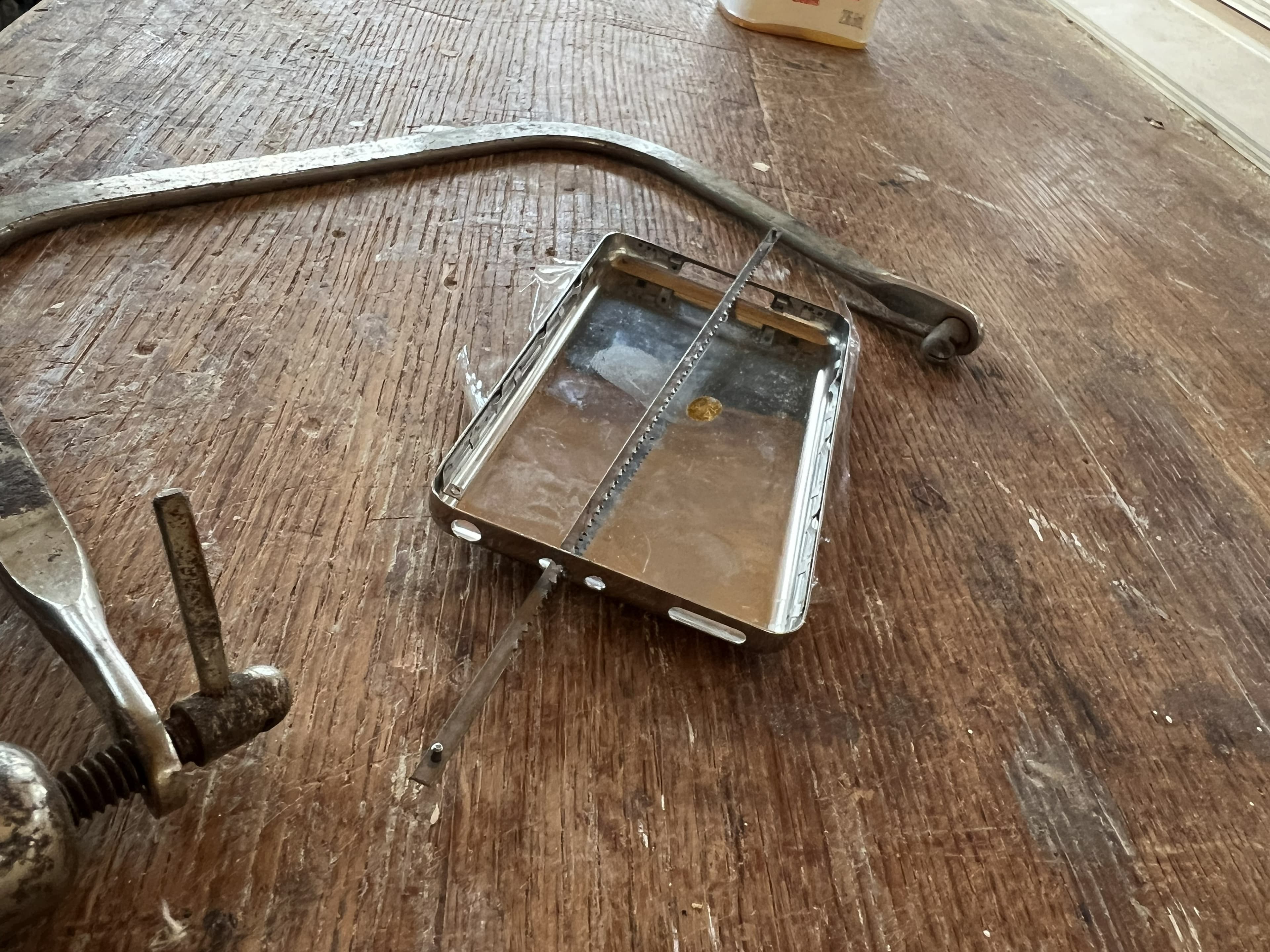
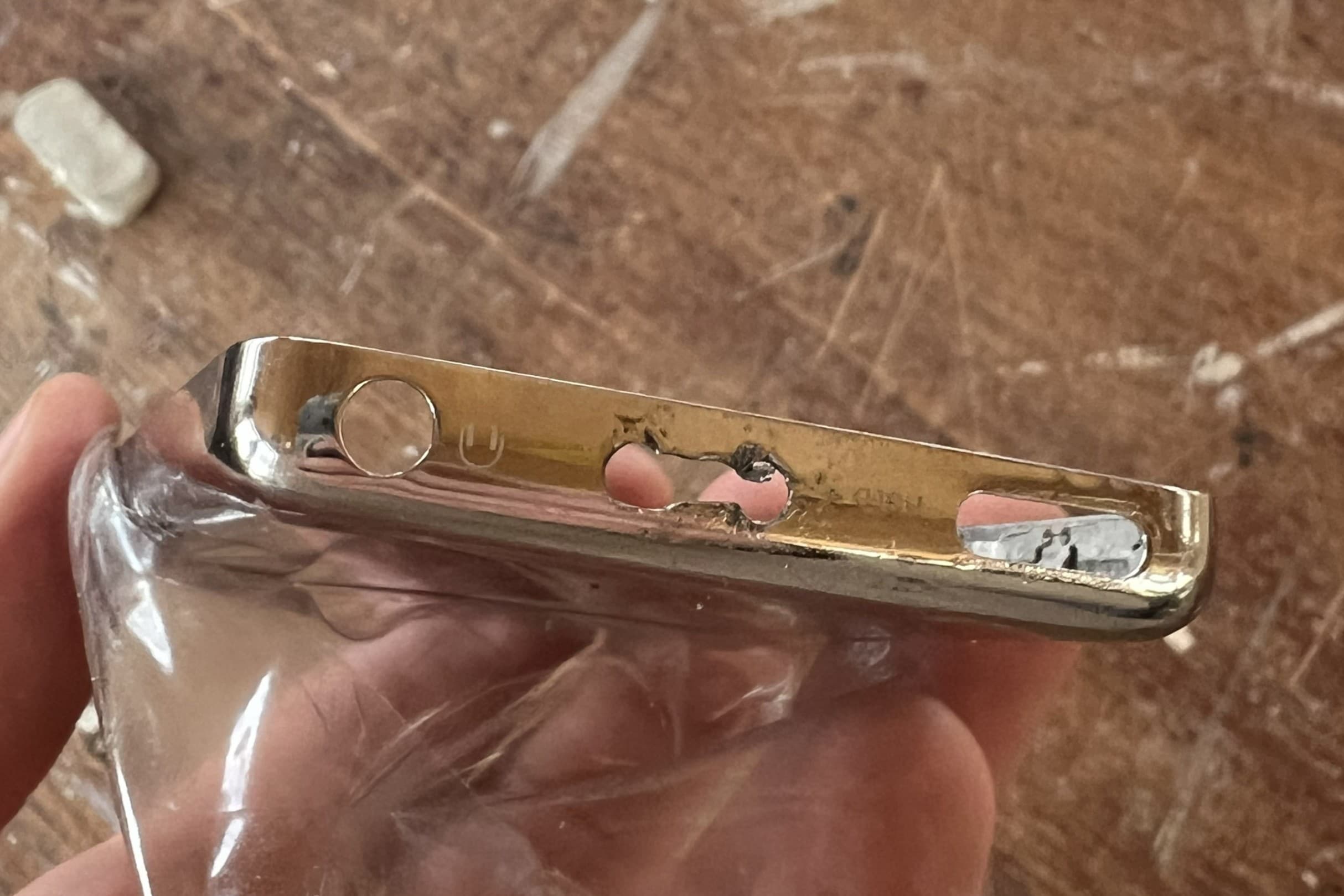
Use the hole alignment jig to mark the location for the new slot. Drill two holes at either end of the marked slot as shown.
Cut Slot Between Holes
Using a hacksaw, cut between the drilled holes to create the opening. Make sure to use a metal hack saw blade (The picture shows a wood blade, but a metal blade will have finer teeth).
Use a File to Finish the Slot
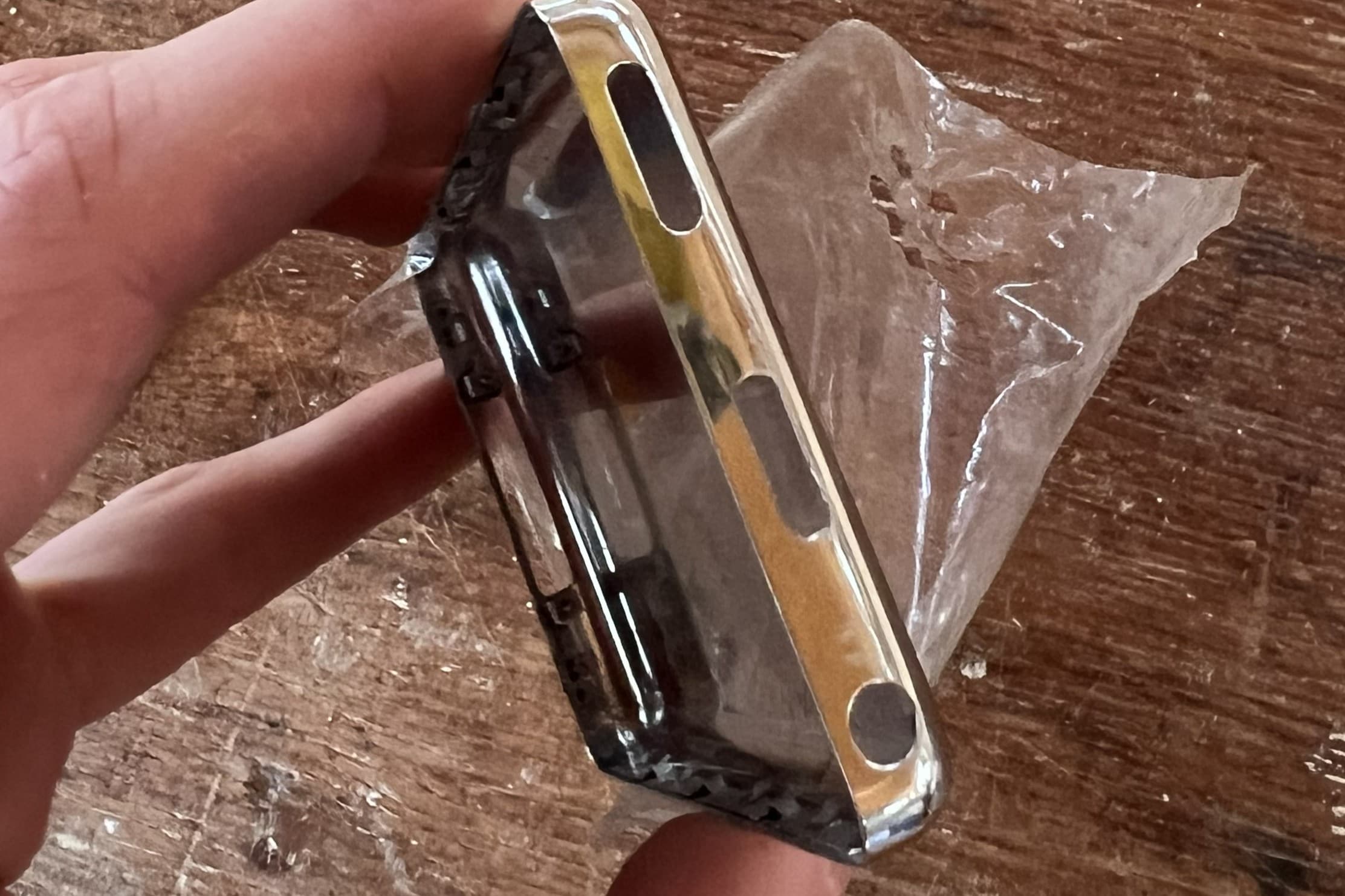
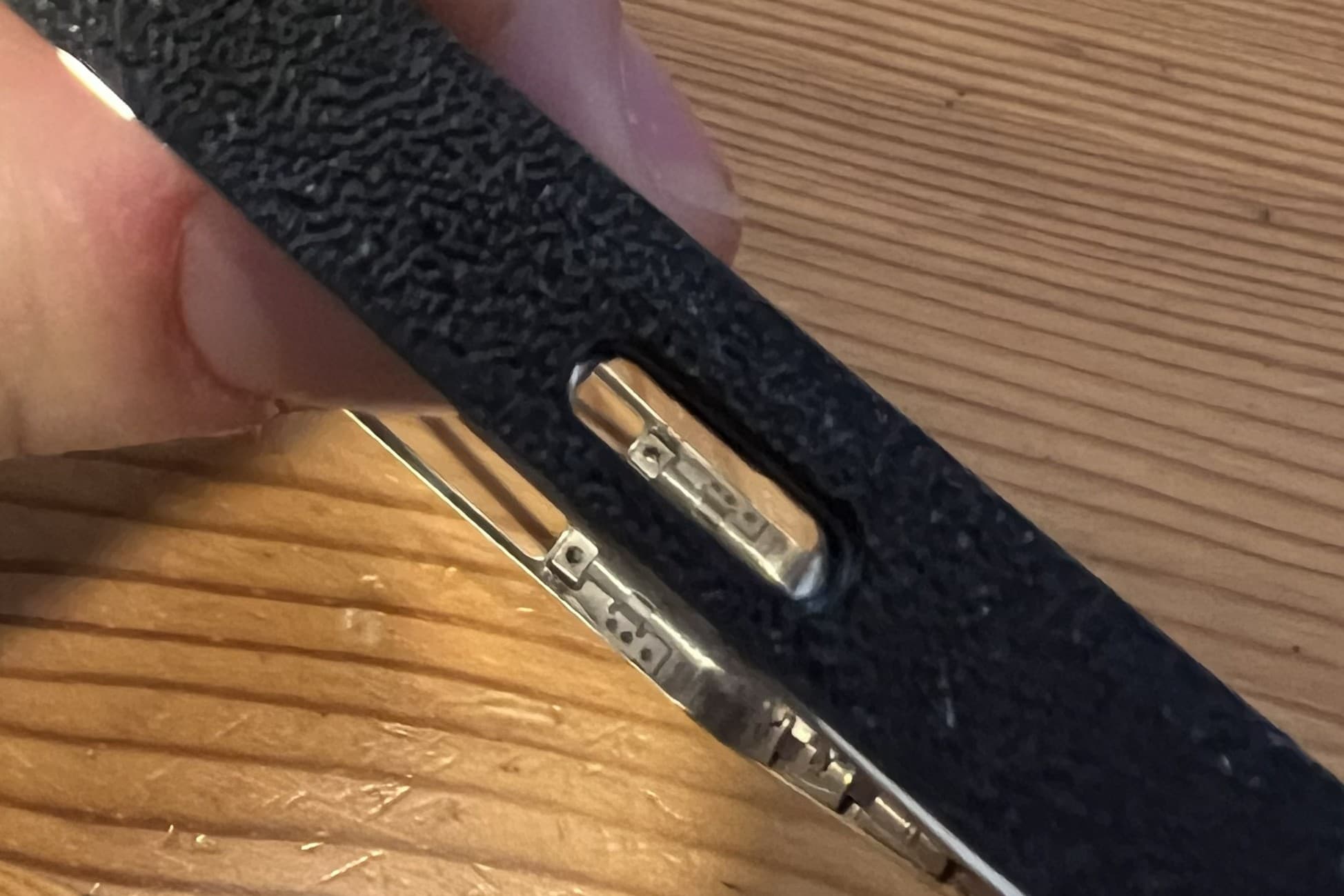
Use a file to smooth the edges of the cut slot, and enlarge the opening until it aligns with the hole alignment jig. You can use the switch to test the fit.
Prepare the Hold Switch
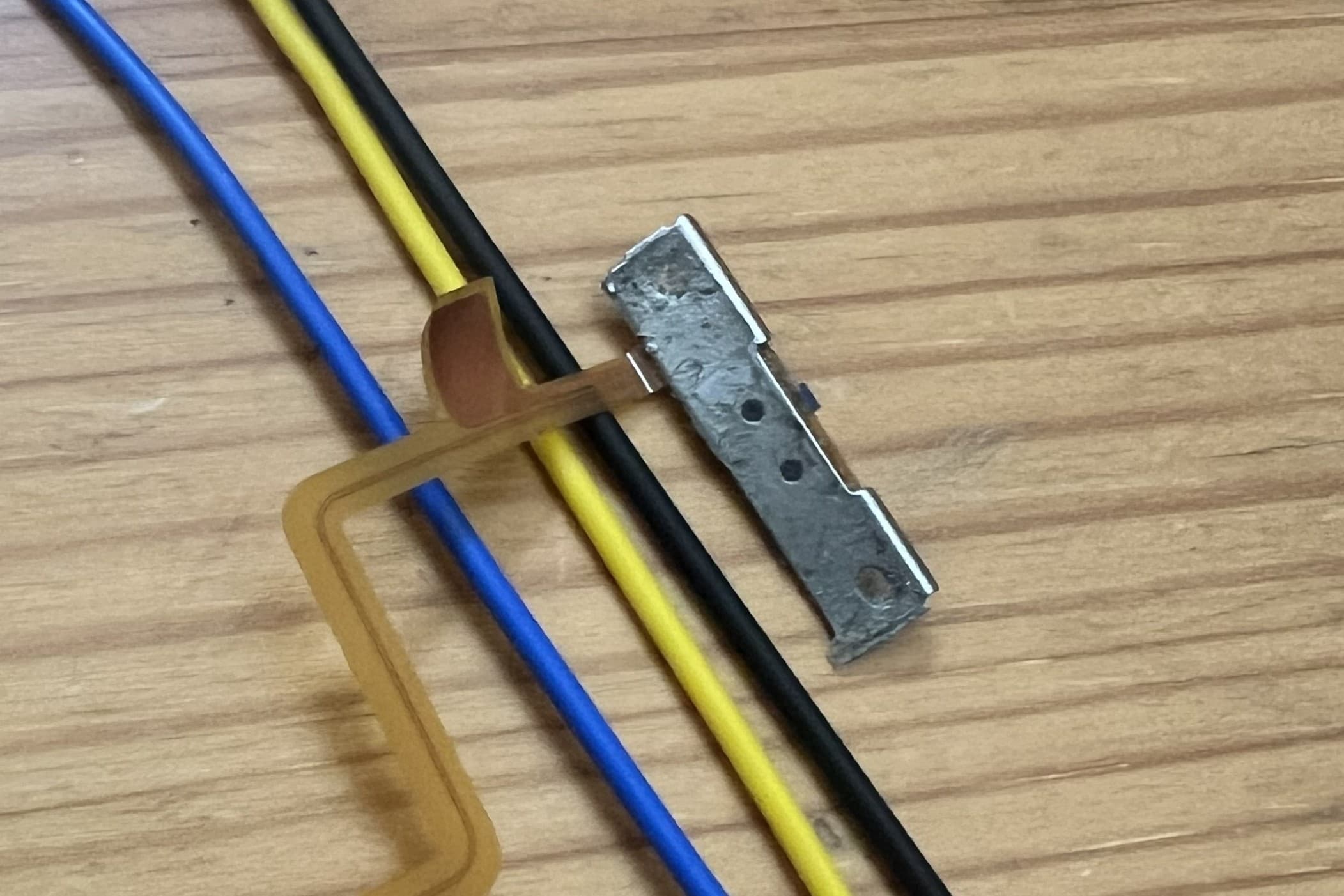
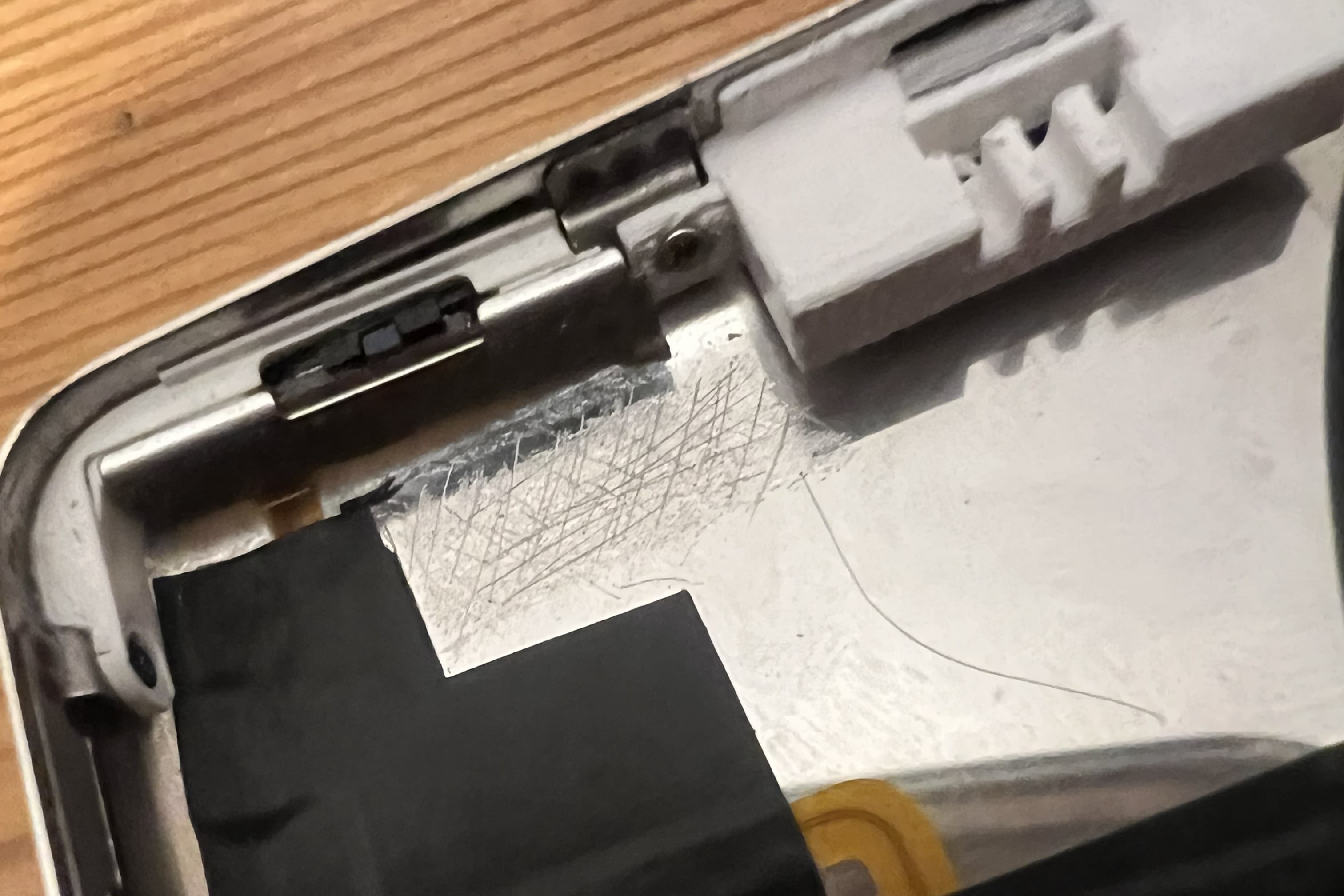
The pairing button will sit behind the hold switch. We'll need to modify the hold switch to remove the top mounting point. This will allow the hold switch to flex and press the bluetooth pairing button we install behind. Removing this plastic will also allow room for the bluetooth switch to be screwed in.
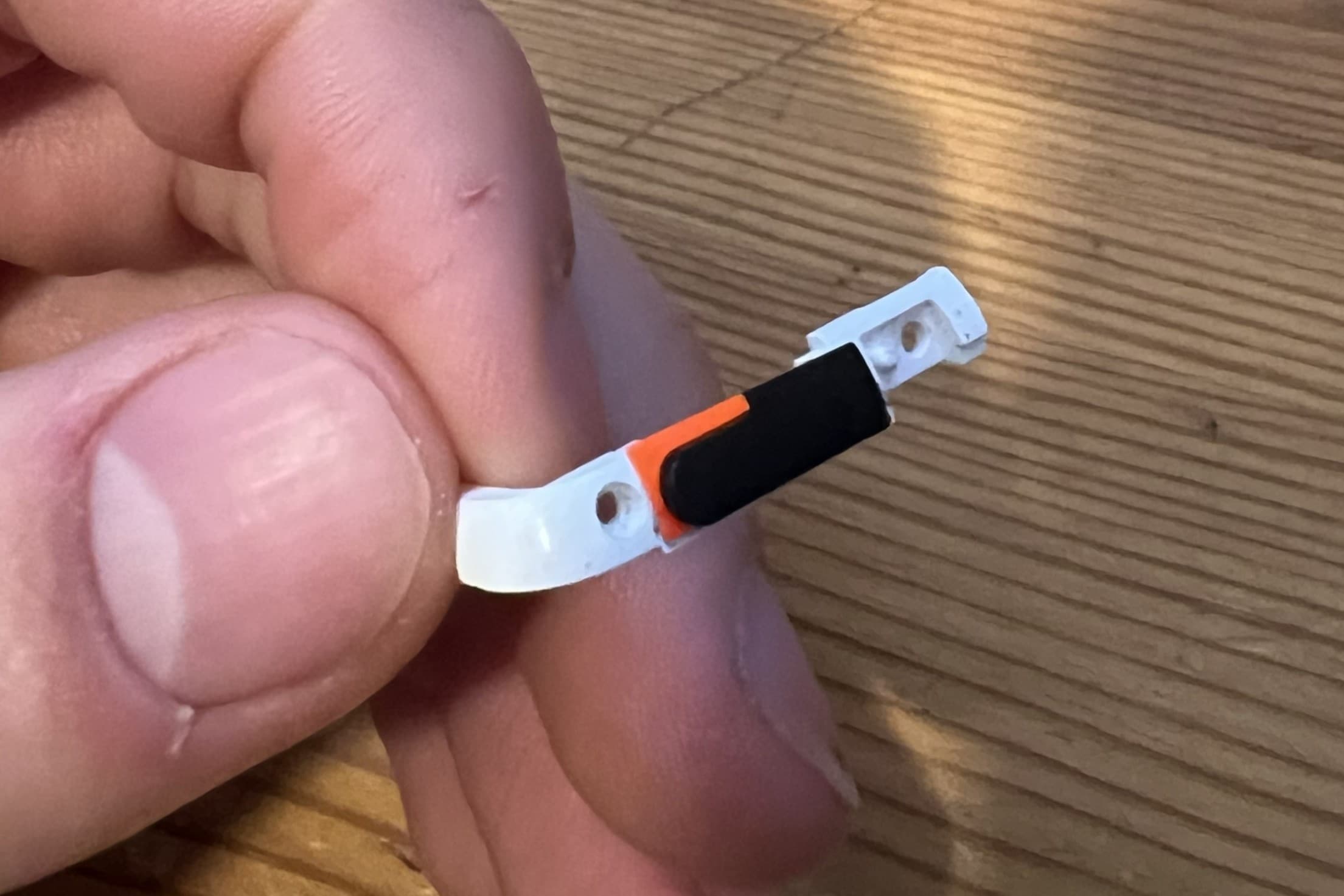
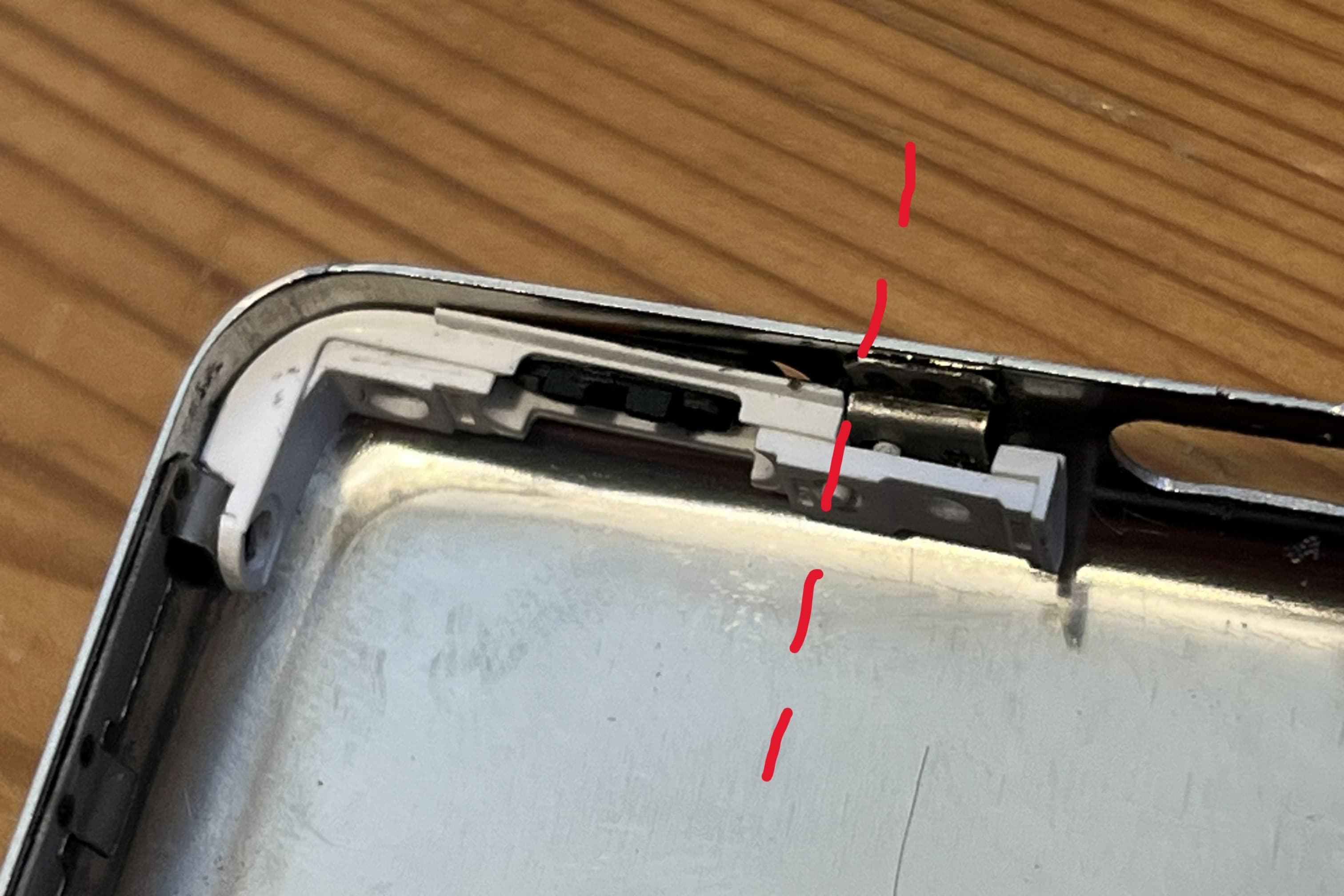
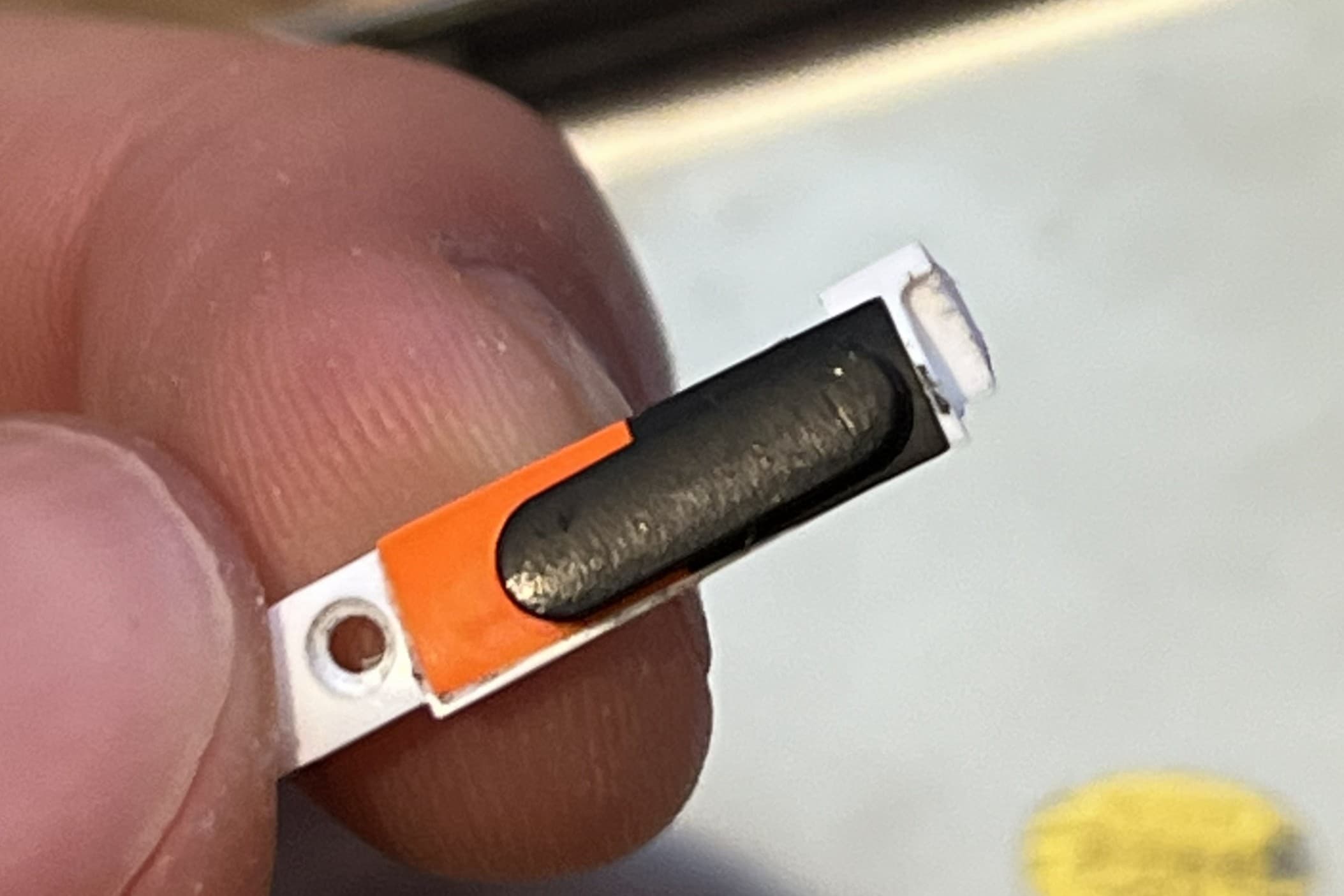
Prepare the Hold Switch
A portion of the metal backing from the hold switch will also need to be removed to allow the hold switch to flex properly. Use side cutters to carefully cut the metal as shown in the pictures.
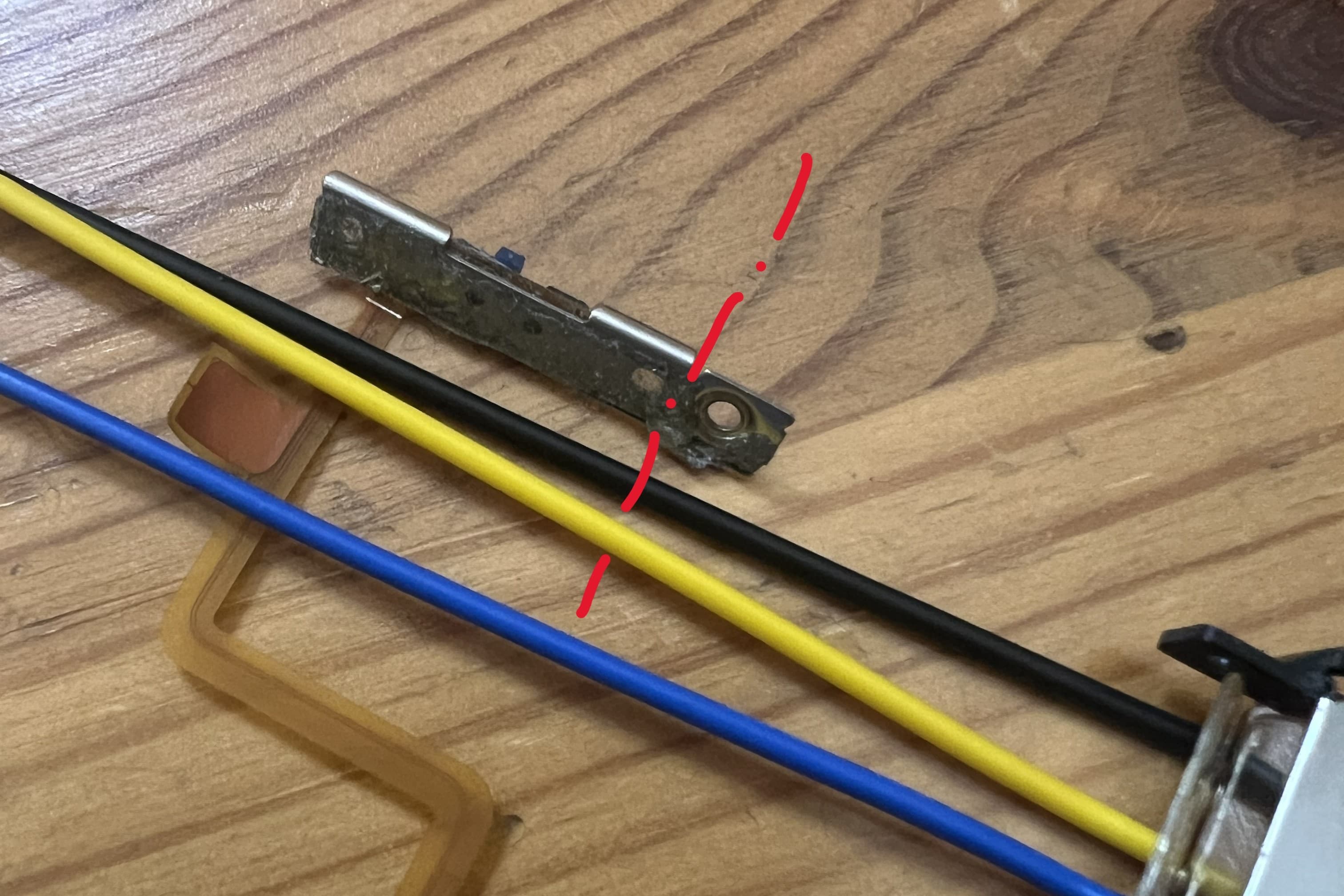
Reinstall Hold Switch and Headphone Jack Assembly
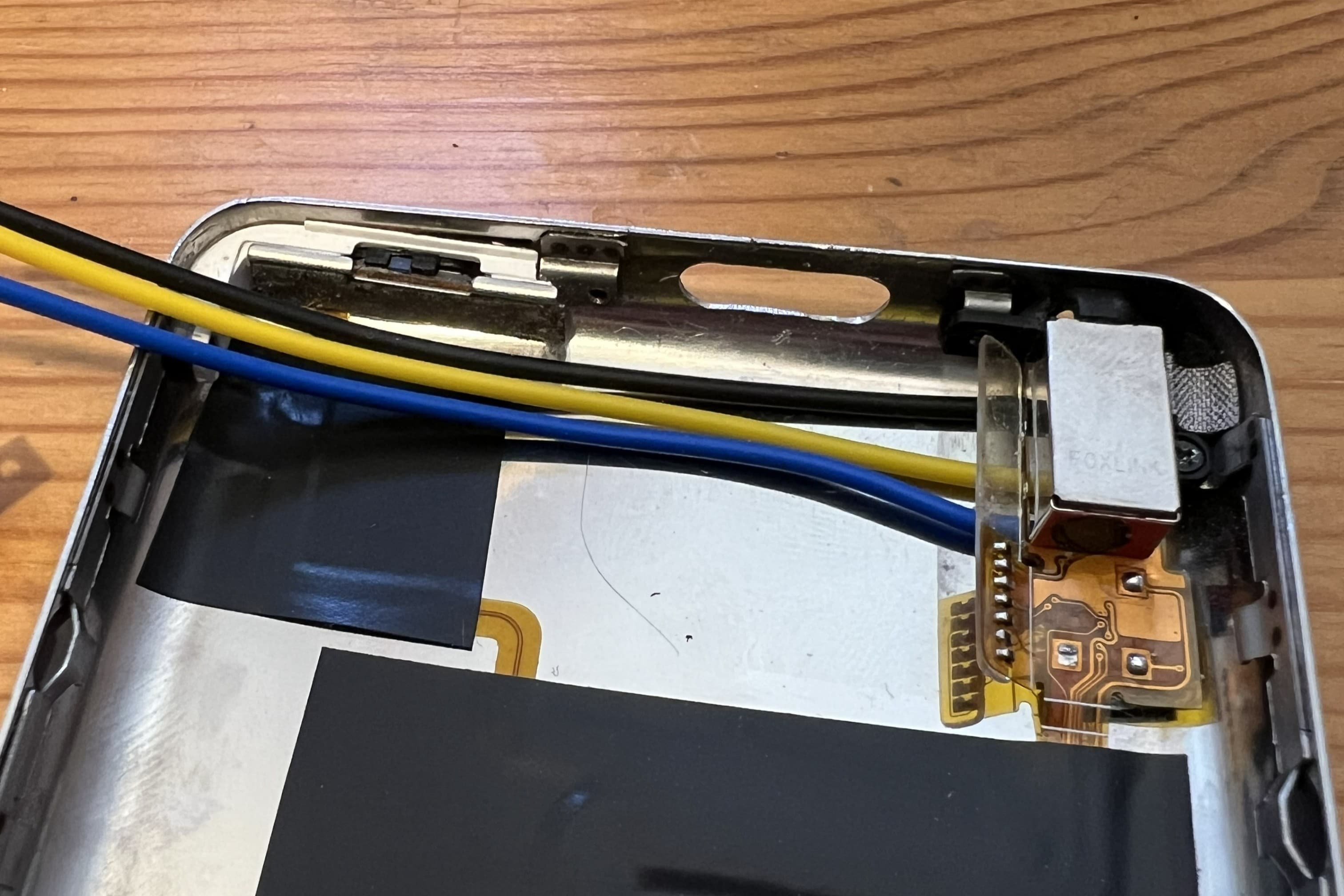
Secure the headphone jack and hold switch assemblies back into the case.
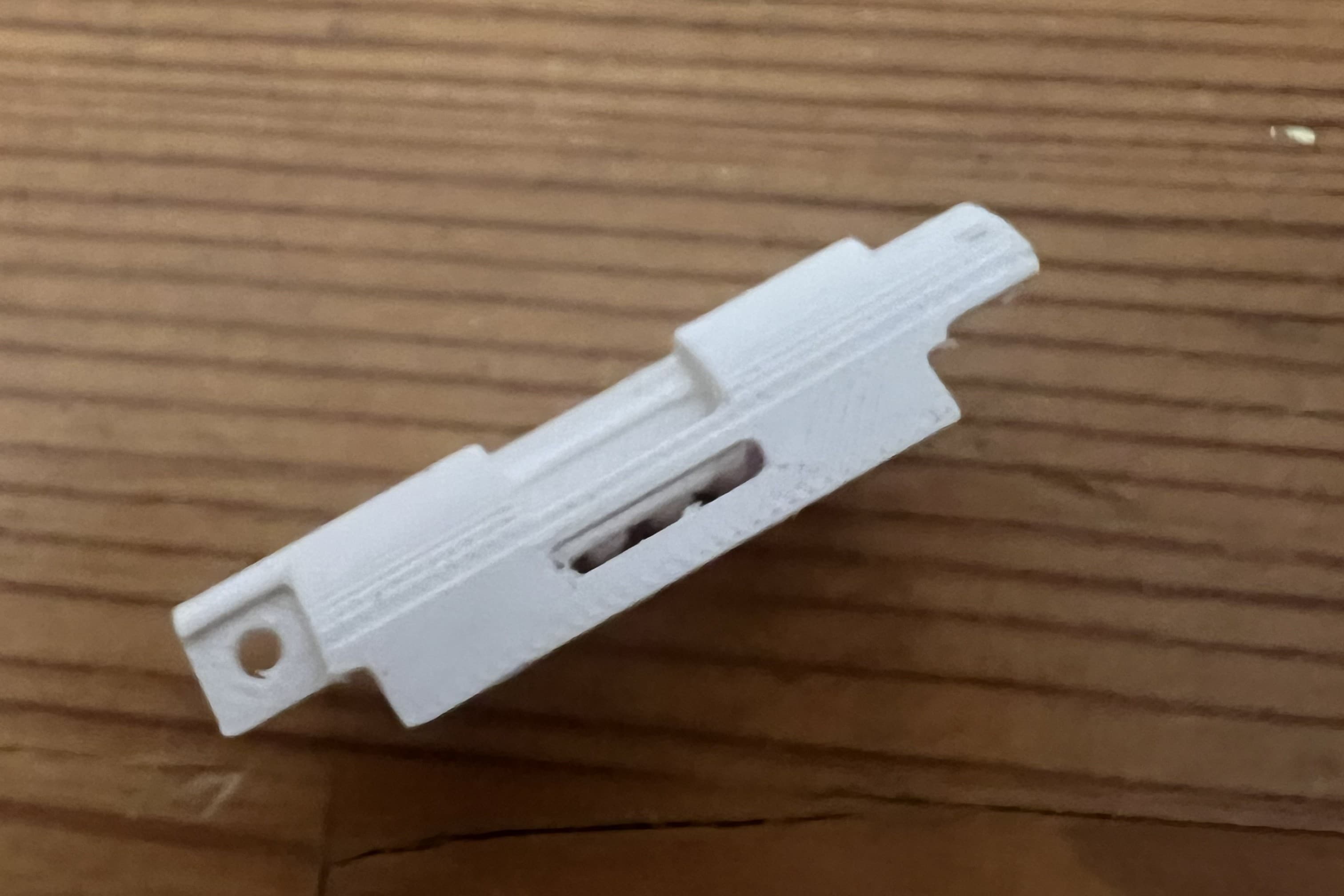
Prepare the Switch Mount
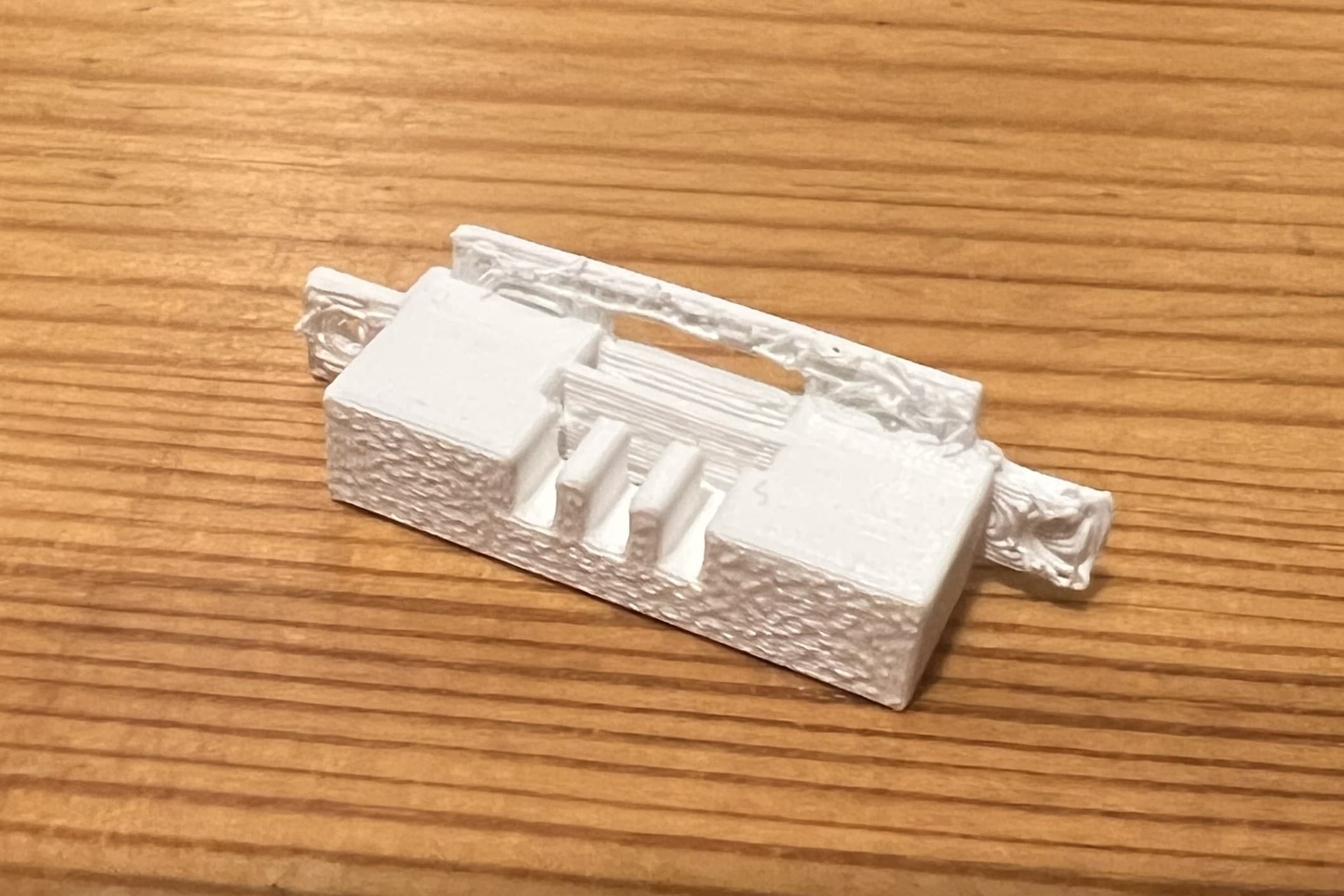
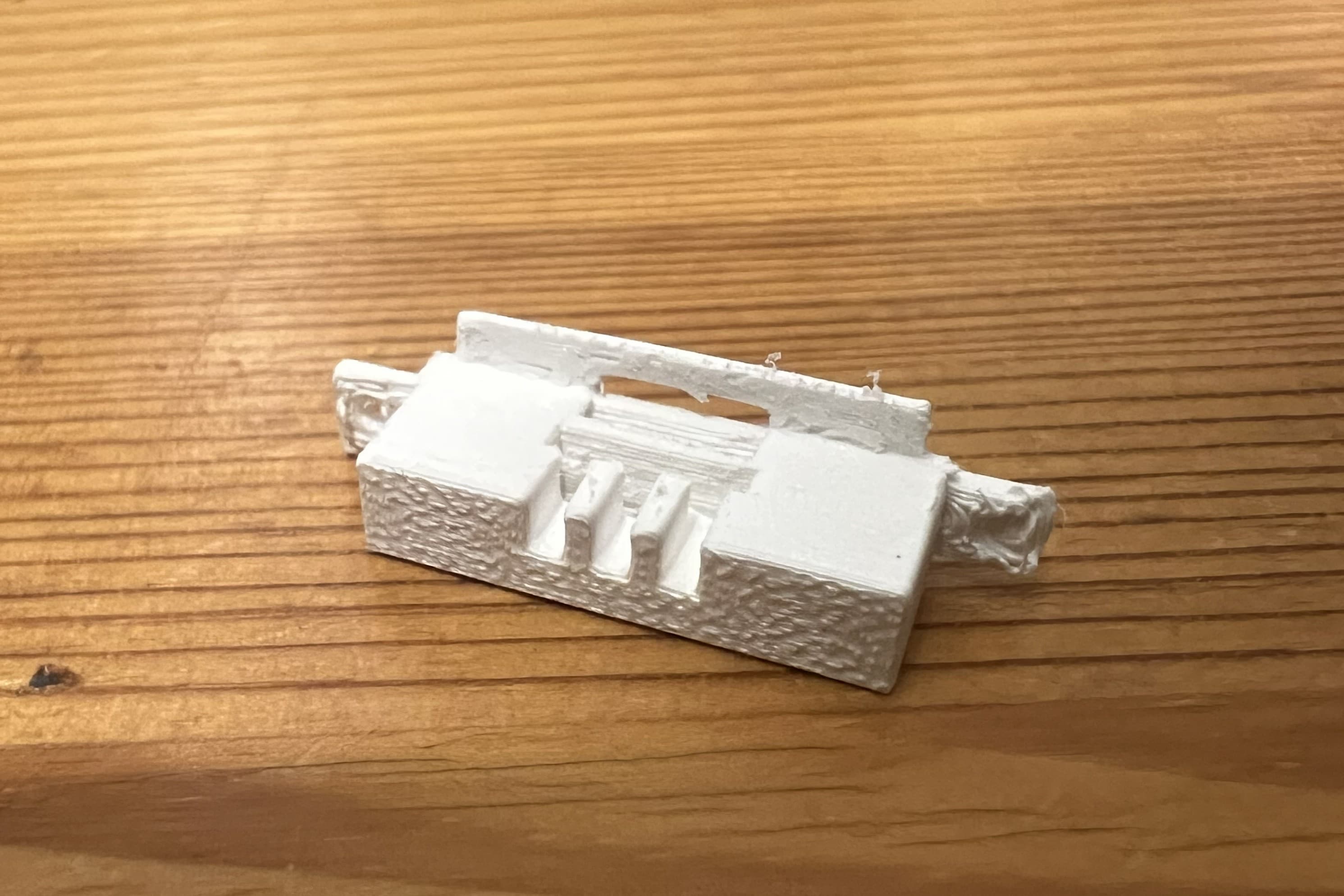
The supports can leave some exess material on the mounting bracket. Use some sandpaper or a file to clean up the top surface as shown.
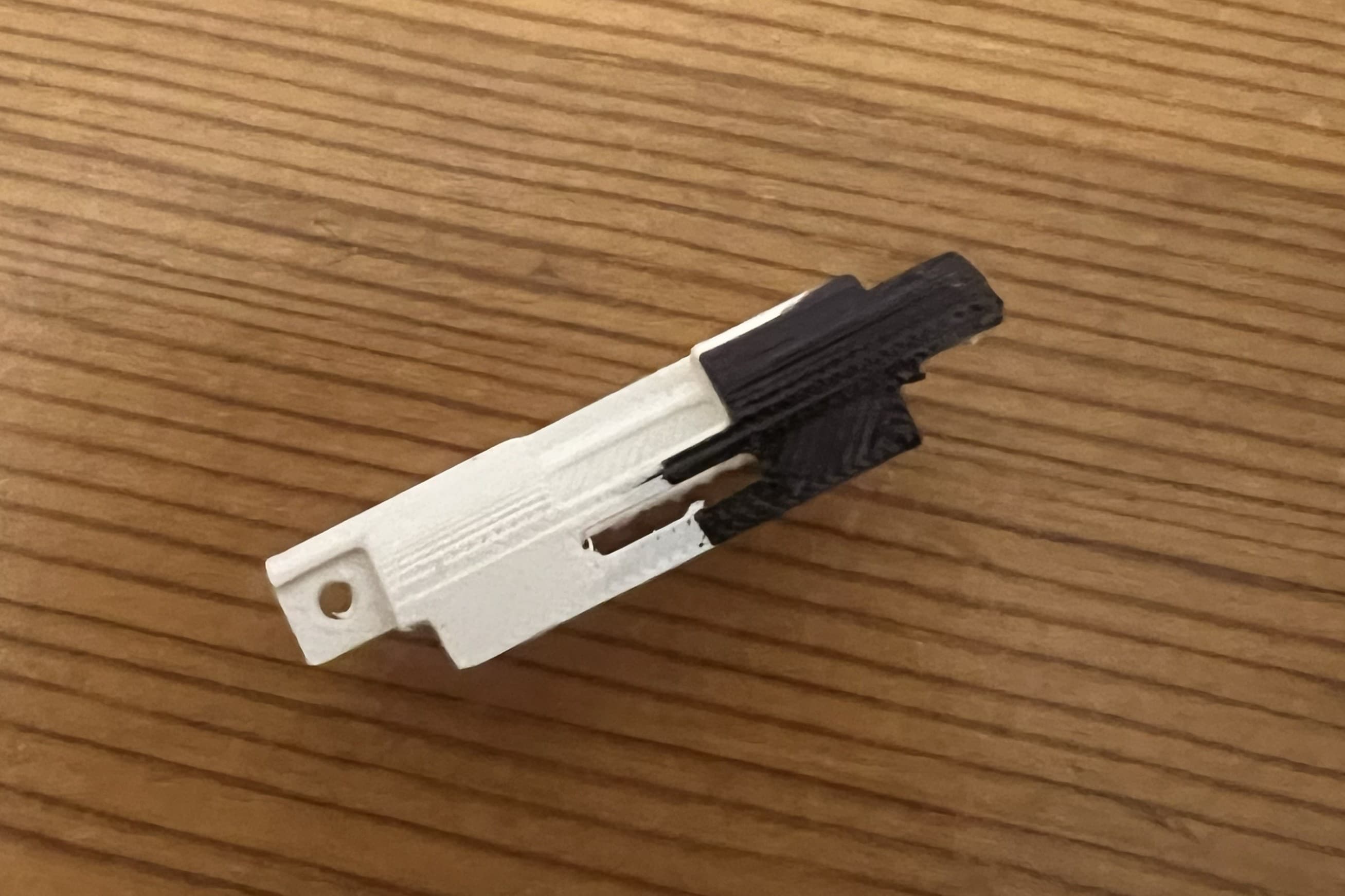
Paint the Switch Mount
Next use a Sharpie to paint half the switch mount black. This will give the switch a two-tone look that matches the original hold switch. The part of the mount that should be painted is shown in the pictures.
Install Switch in Slot
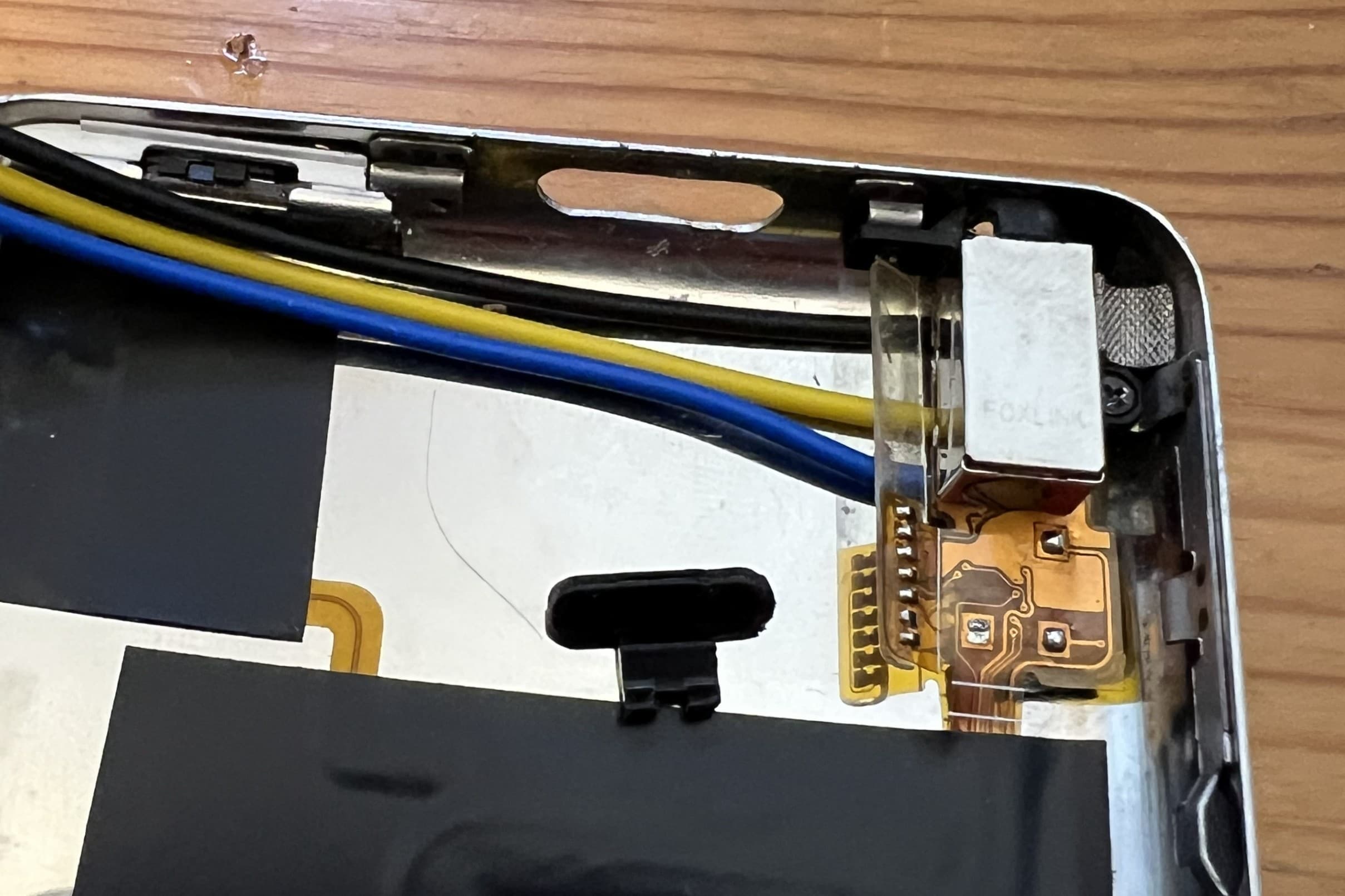
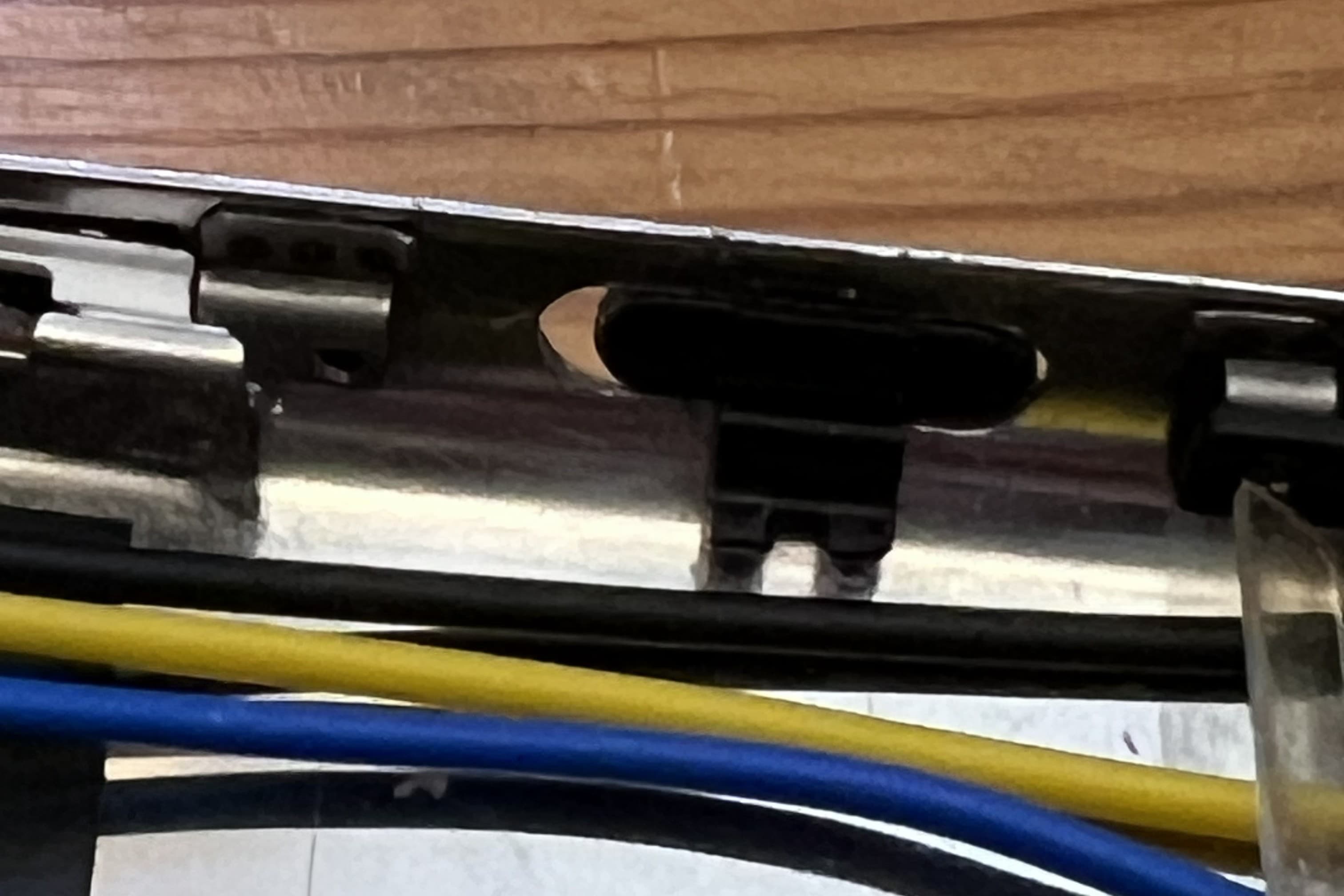
The switch element should be installed before the mounting bracket with the arm pointing downwards. It will rest in the slot until the mount is secured behind it.
Install the Switch Mount
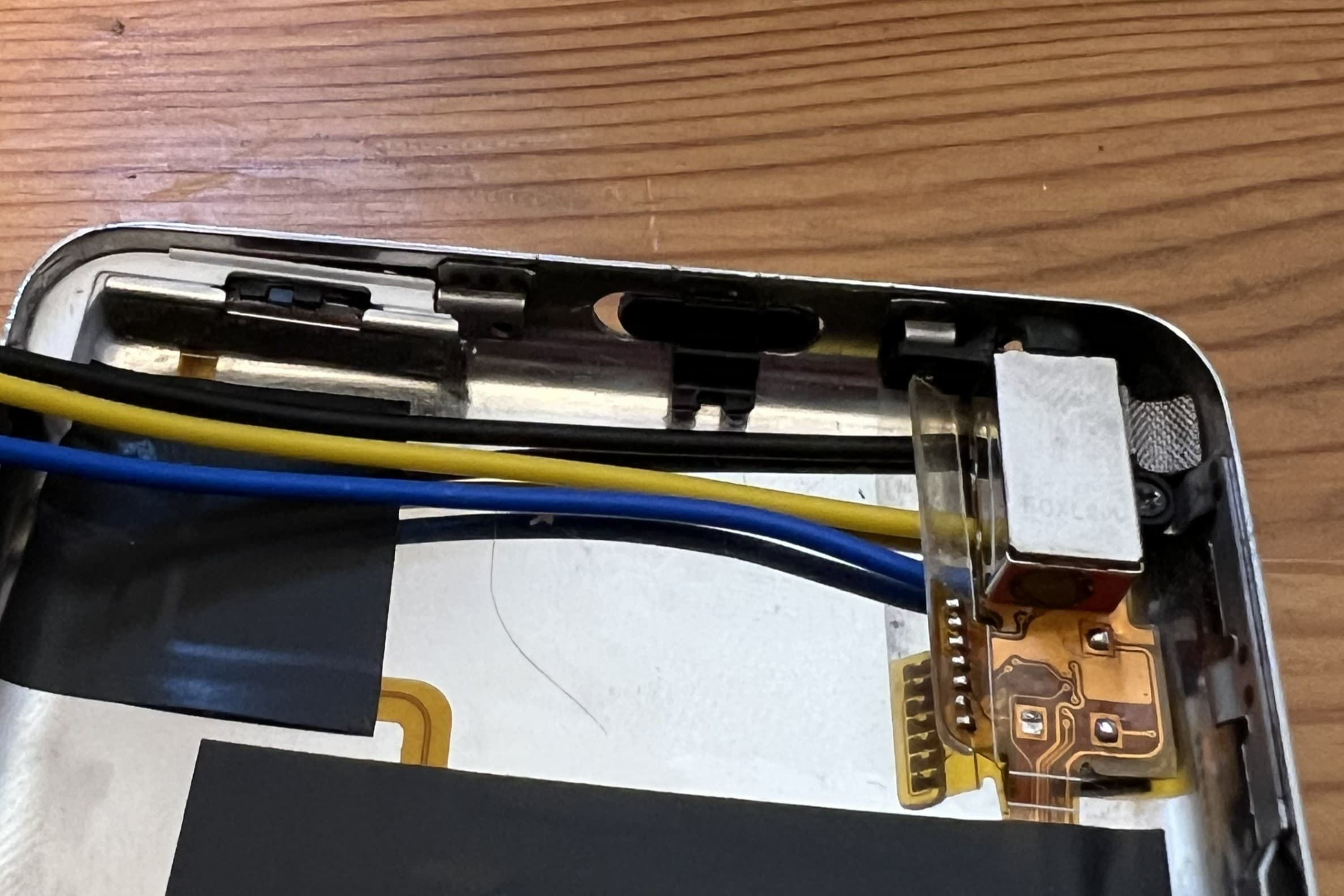
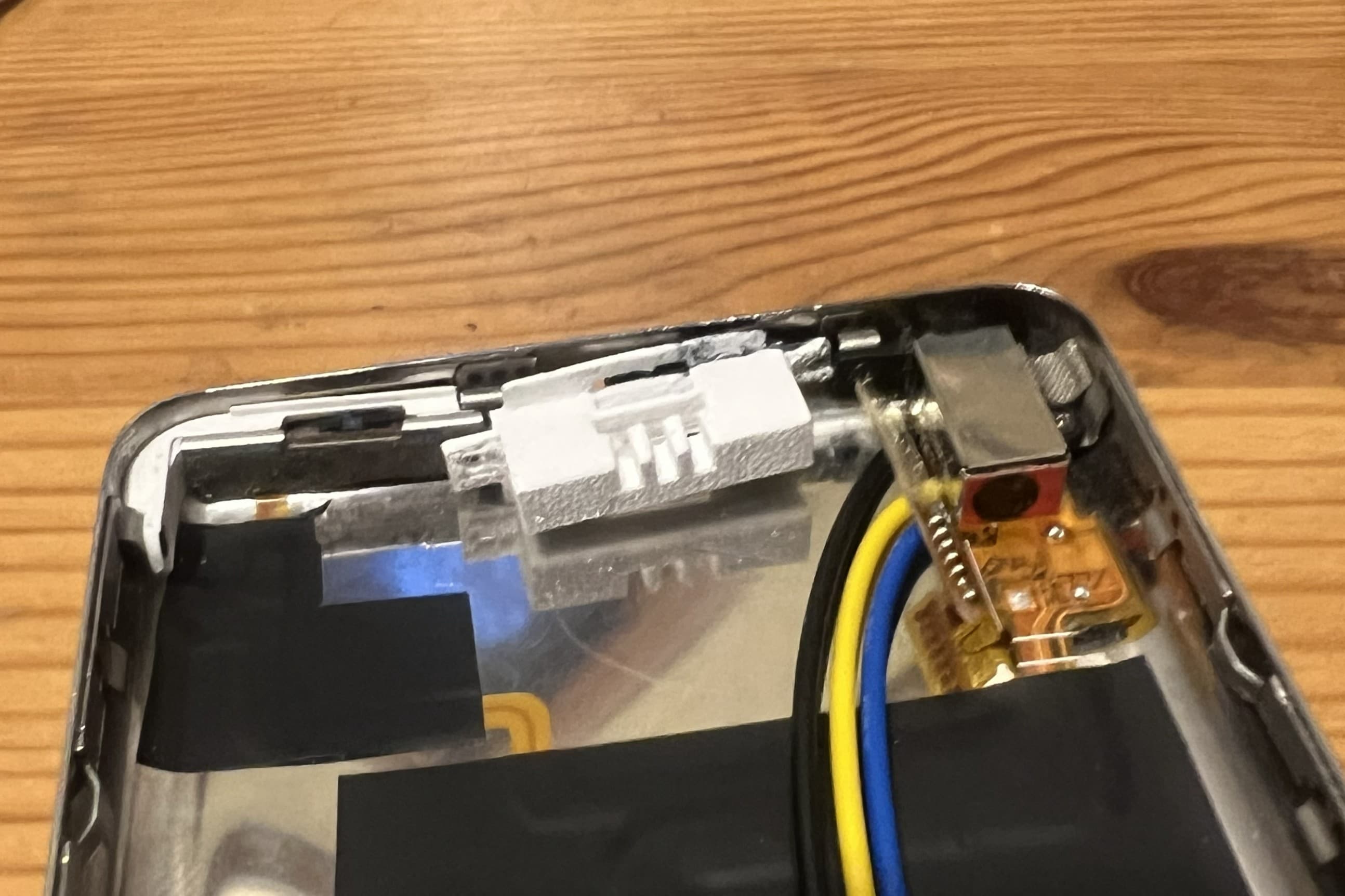
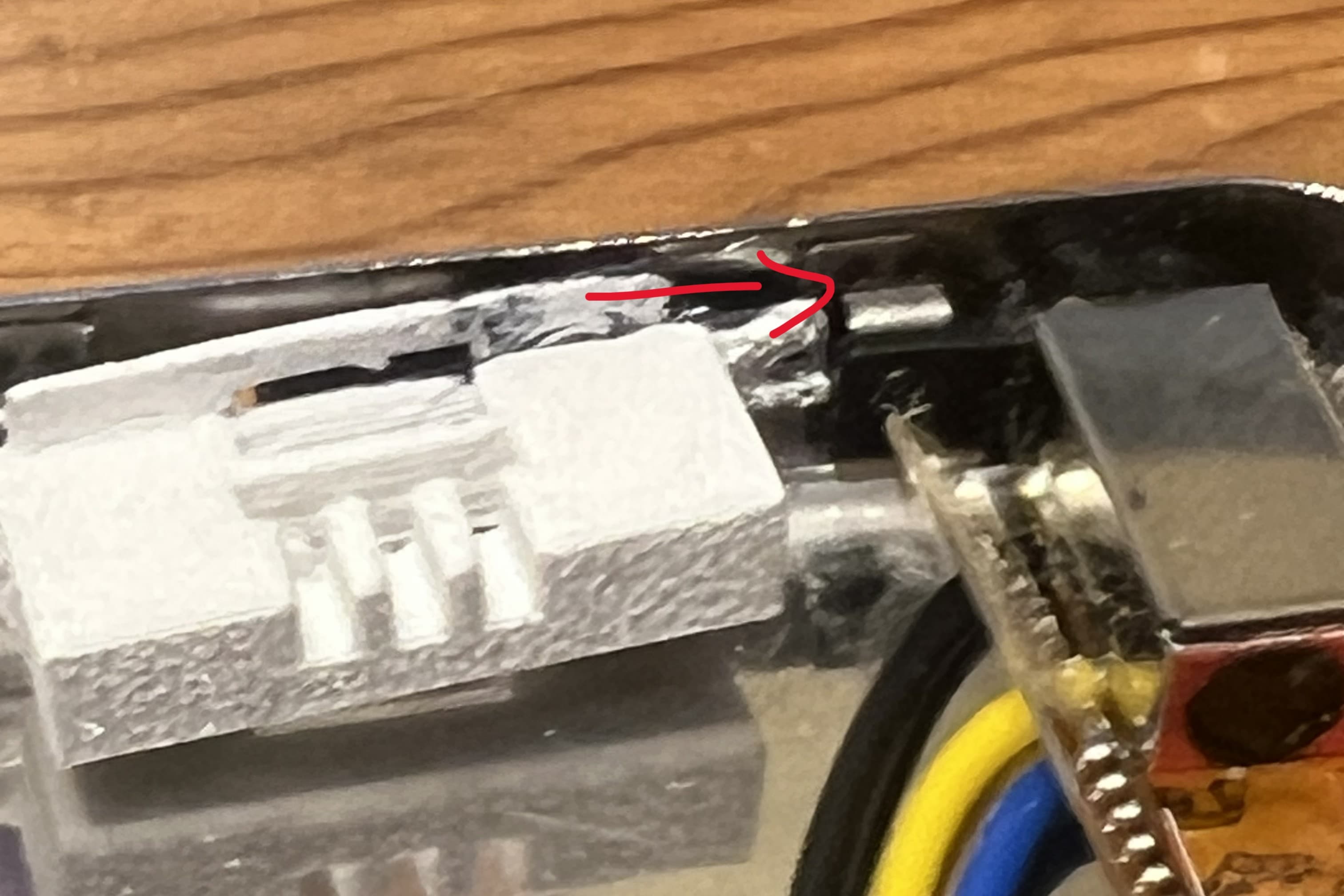
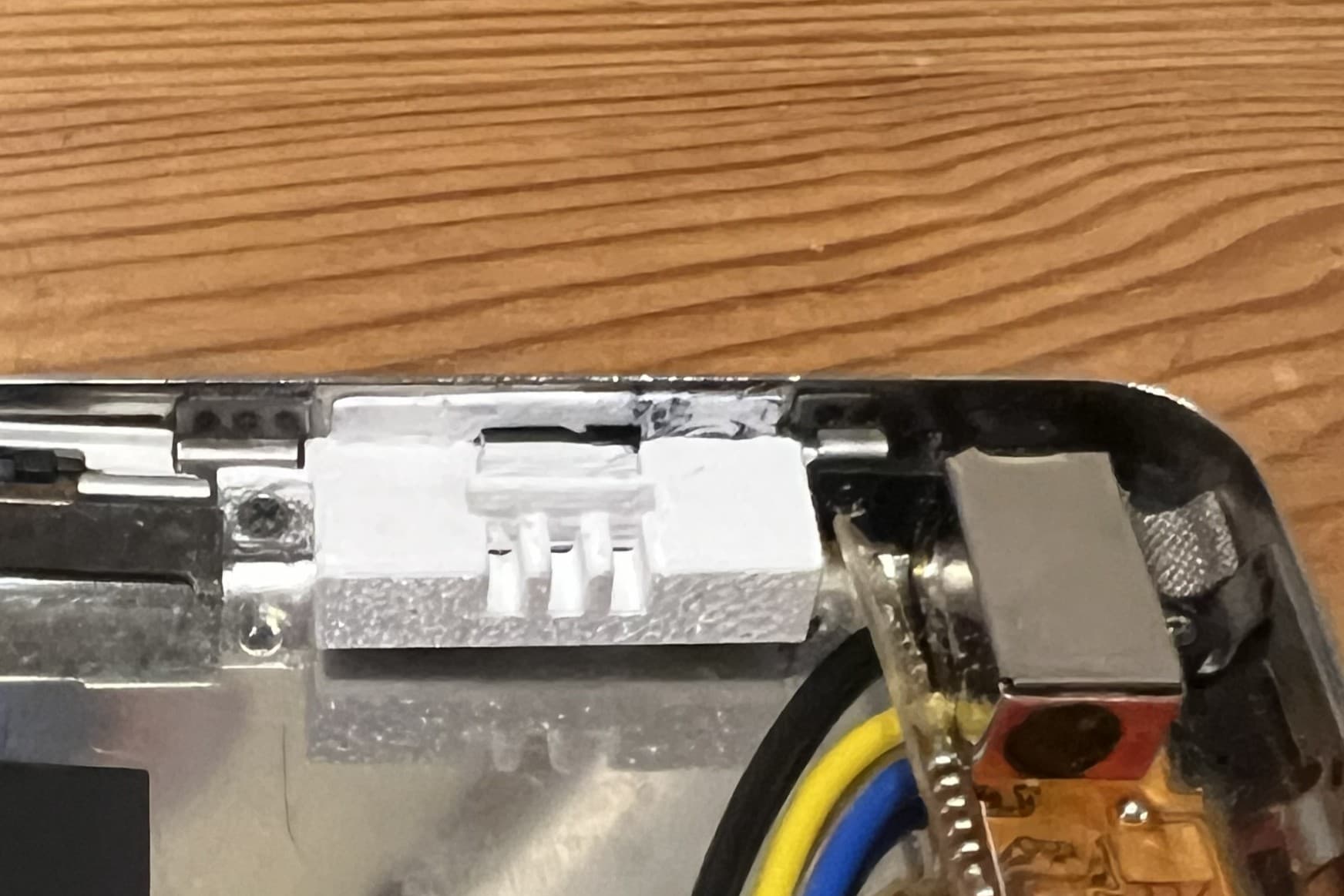
Carefully install the painted switch mount while ensuring the switch is properly aligned in the slot. 1. The tab on the right side of the mount will slide behind the metal clip where the headphone jack screws into. 2. The left side can be pressed into position and secured with the screw that was removed from the hold switch earlier.
Check Alignment
Verify that the switch is properly aligned in the slot and that all components are securely in place. The switch may be a bit stiff at first, but should slide back and forth.
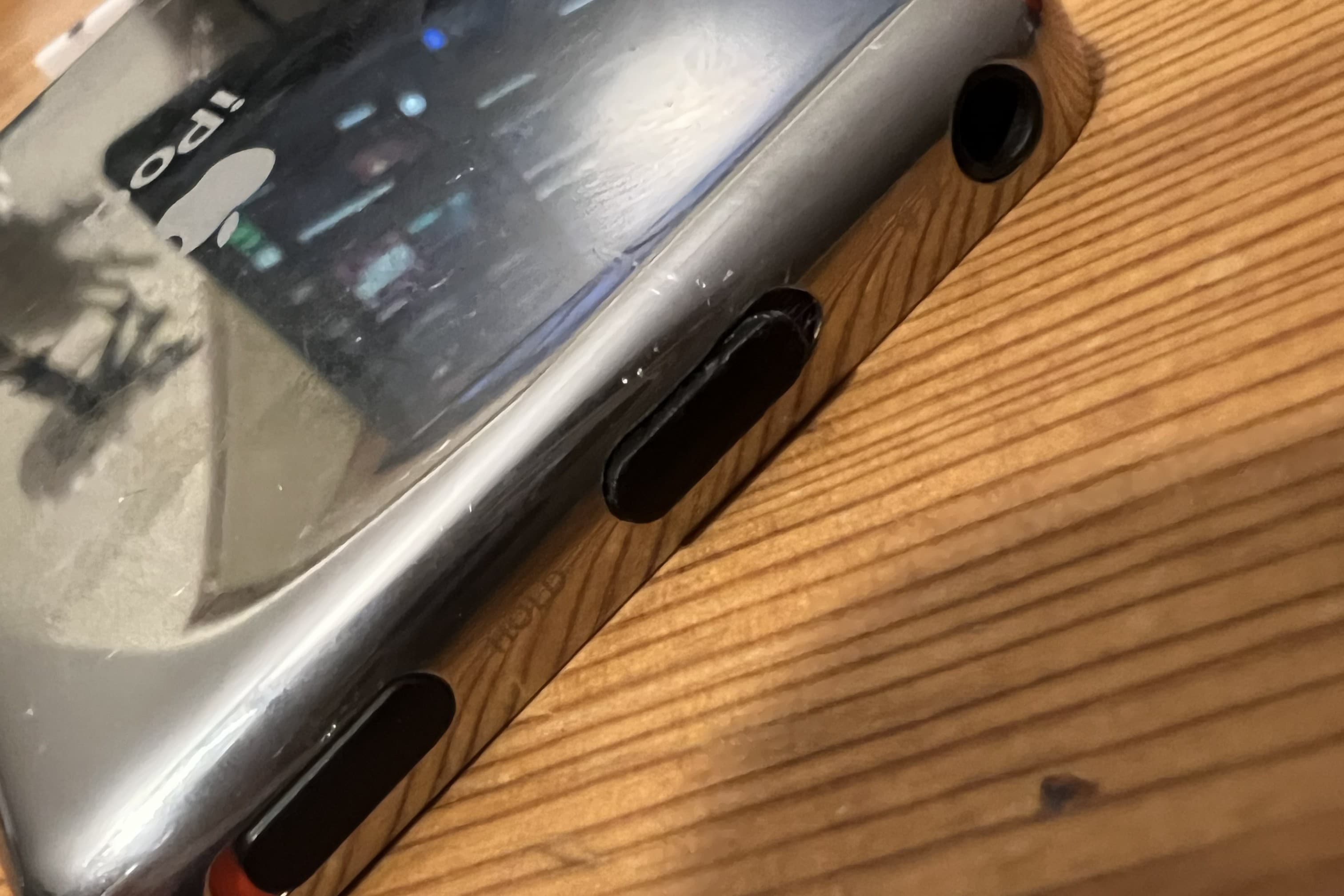
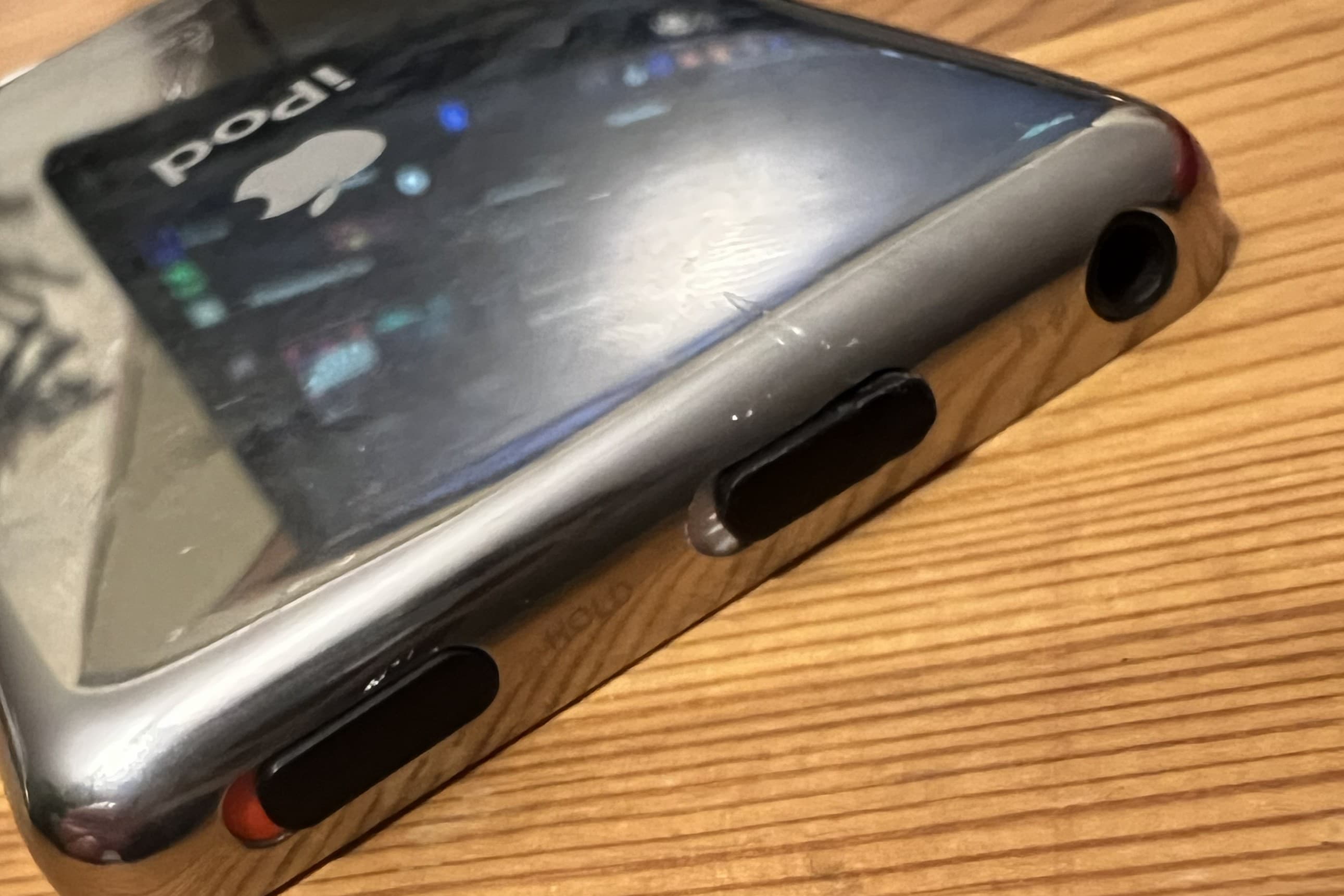
Prepare Pairing Button
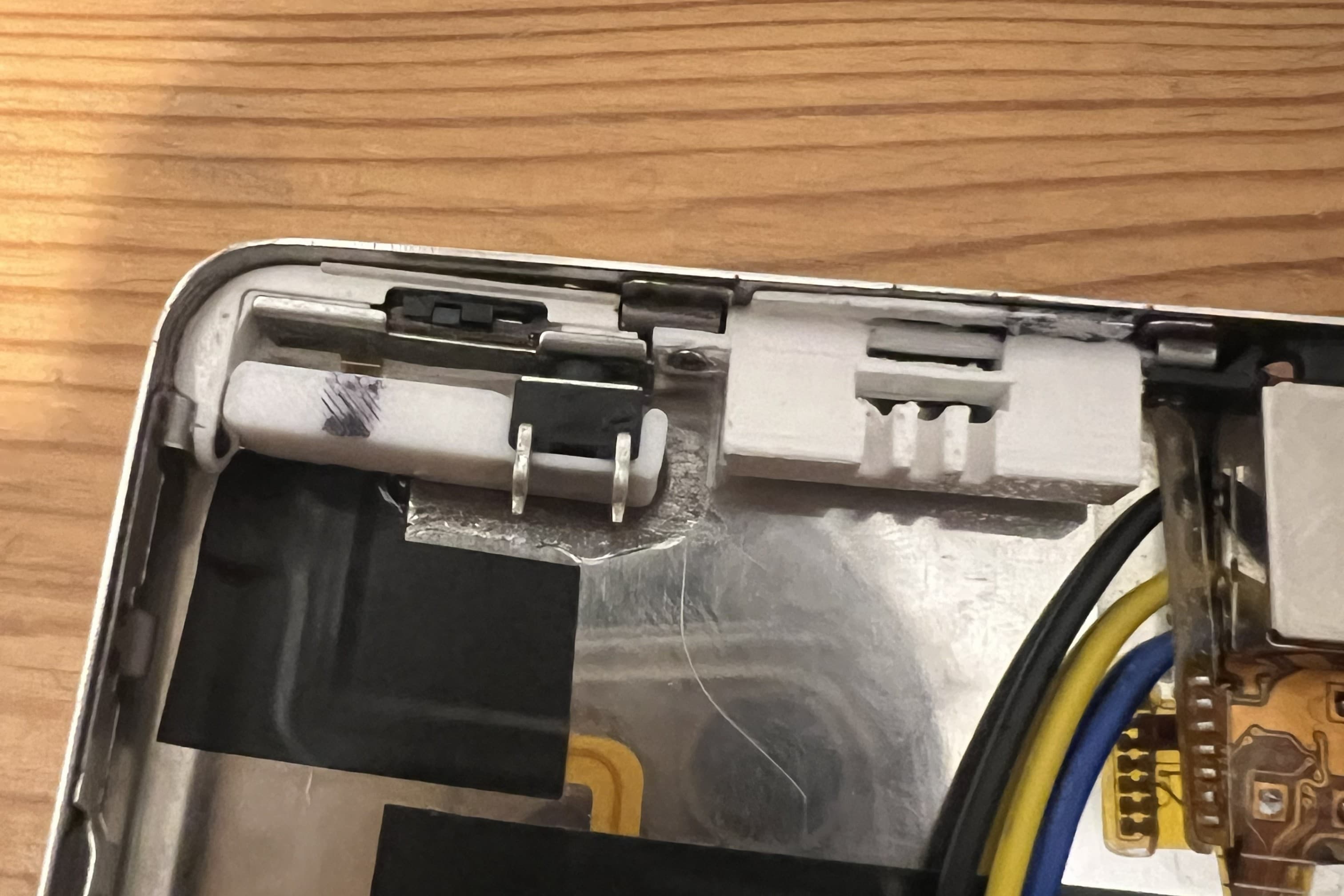
The button is installed in the printed button holder by removing two of the legs on the button and securing it with super glue. Optionally, I marked where the button holder overlapped the hold switch rippon cable and cut a small notch to allow it to sit flat above the ribbon cable.
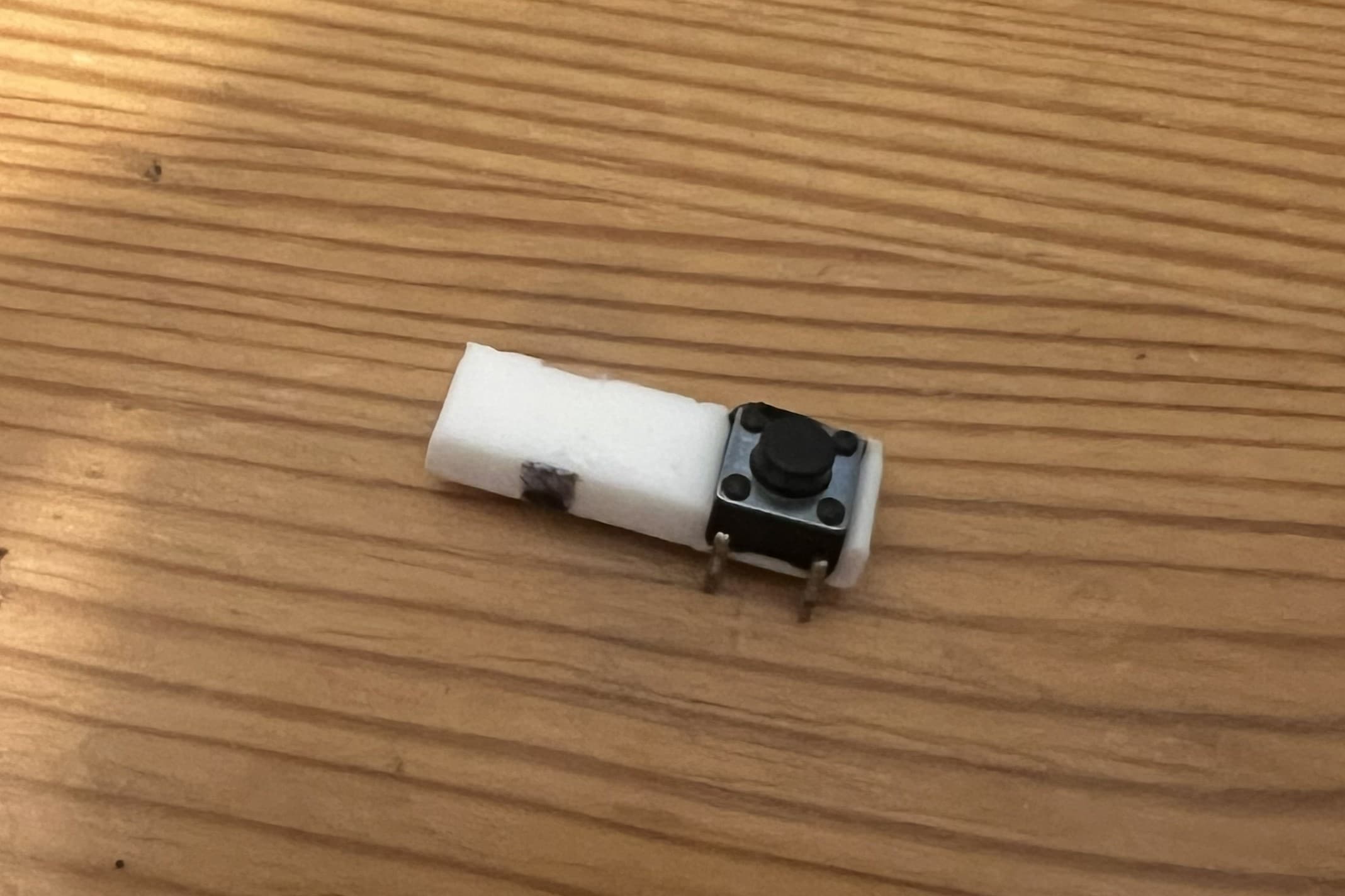
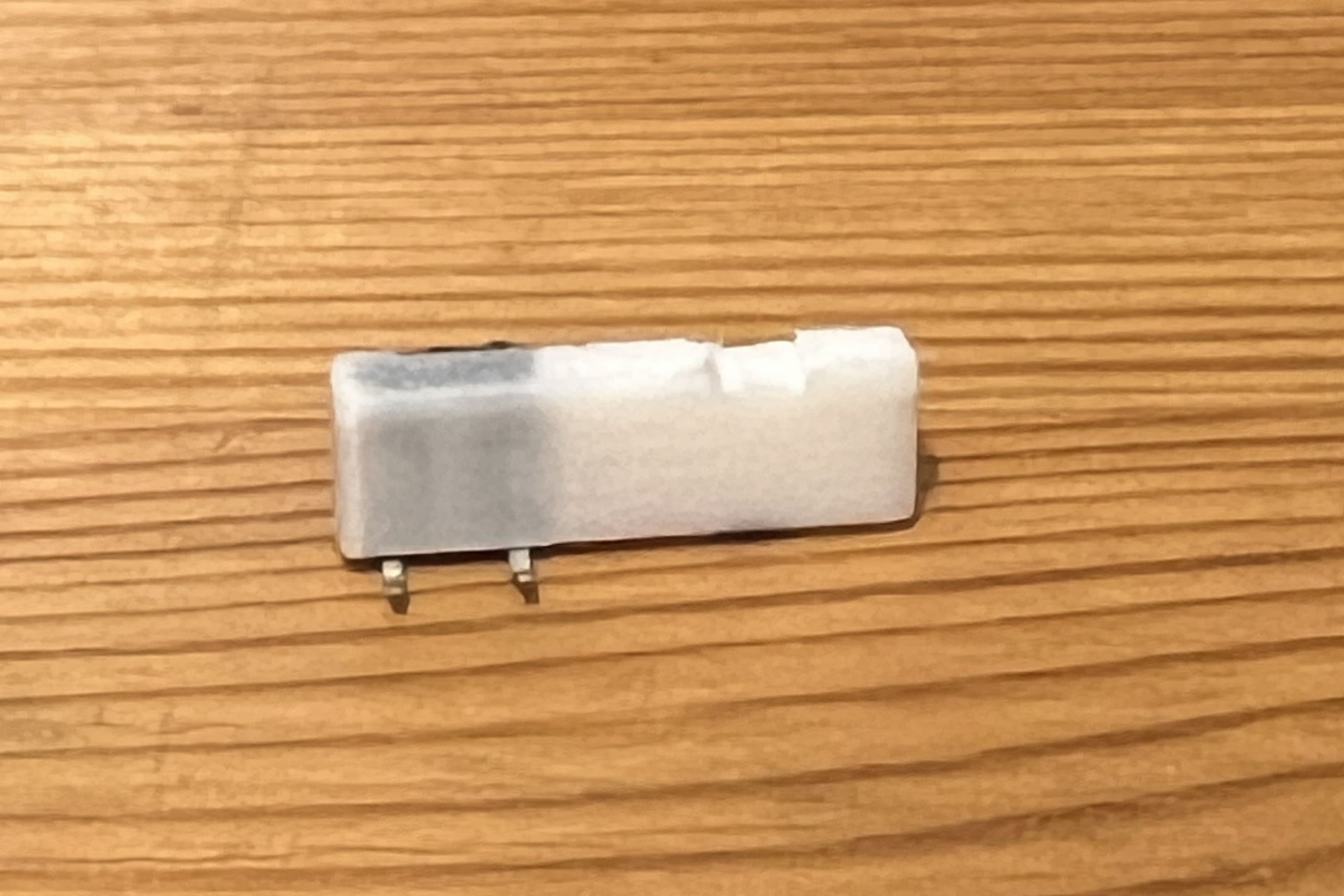
Install Pairing Button
Install the pairing button in the case just below the hold switch as shown in the pictures. I used super glue to secure the button holder. Make sure to test the button clicks when the hold switch is pressed.
Prepare MicroSwitch
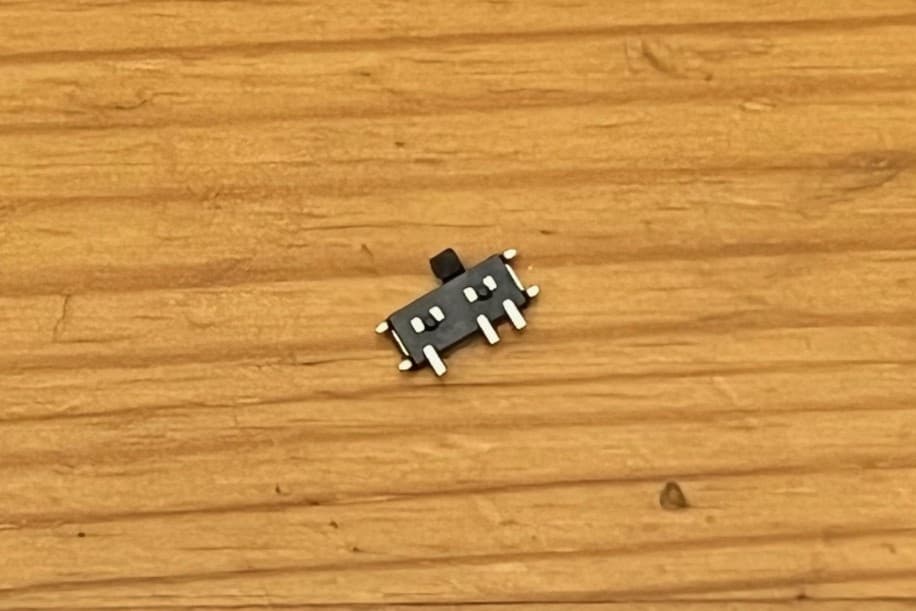
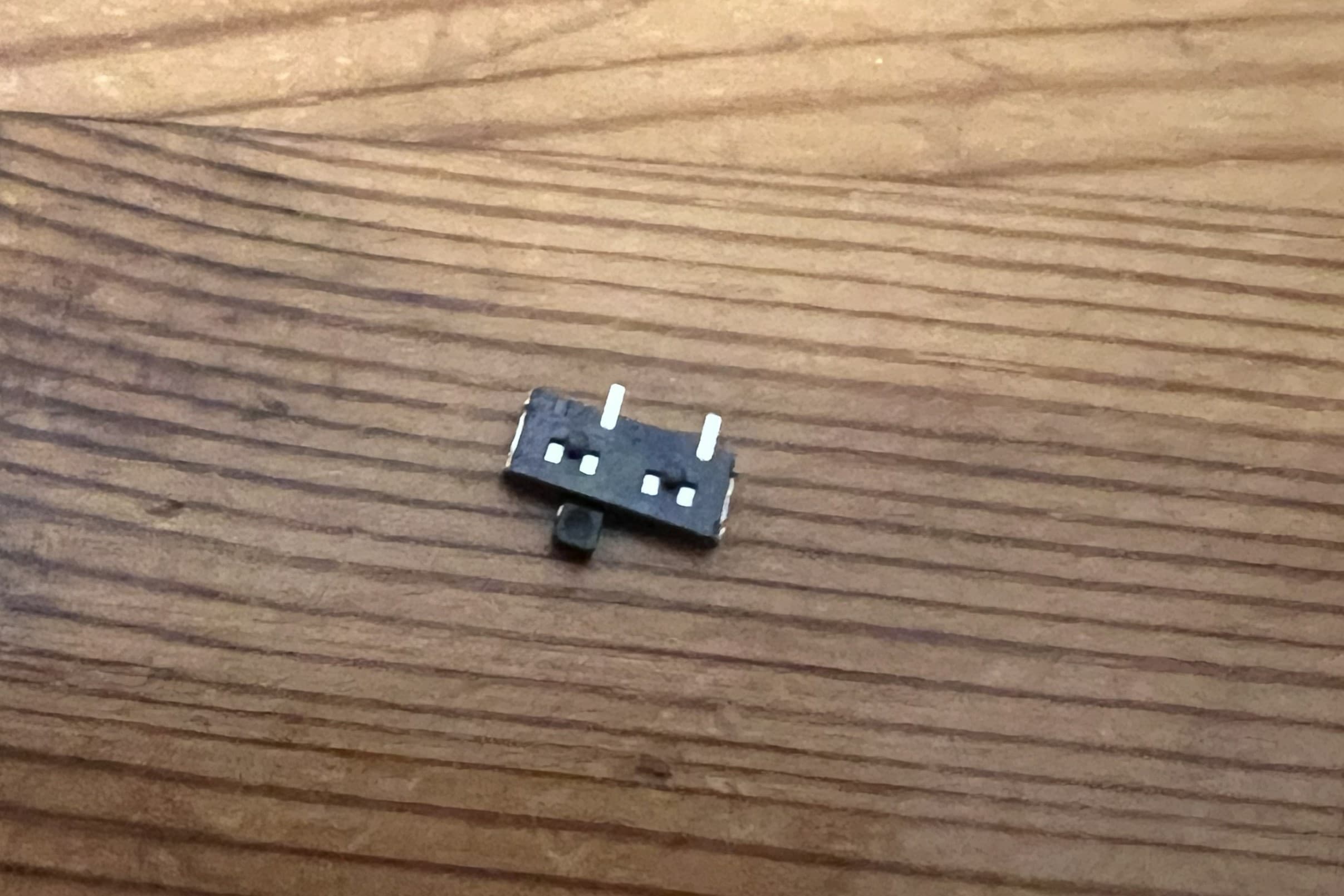
The microswitch has 4 metal tabs on the sides, these need to be trimmed flush using side cutters to fit inside the mouunting bracket. The black nubs on the back of the switch may also need to be removed. Optionally, you can also remove on of the legs as shown in the pictures, as it will not be used.
Install MicroSwitch
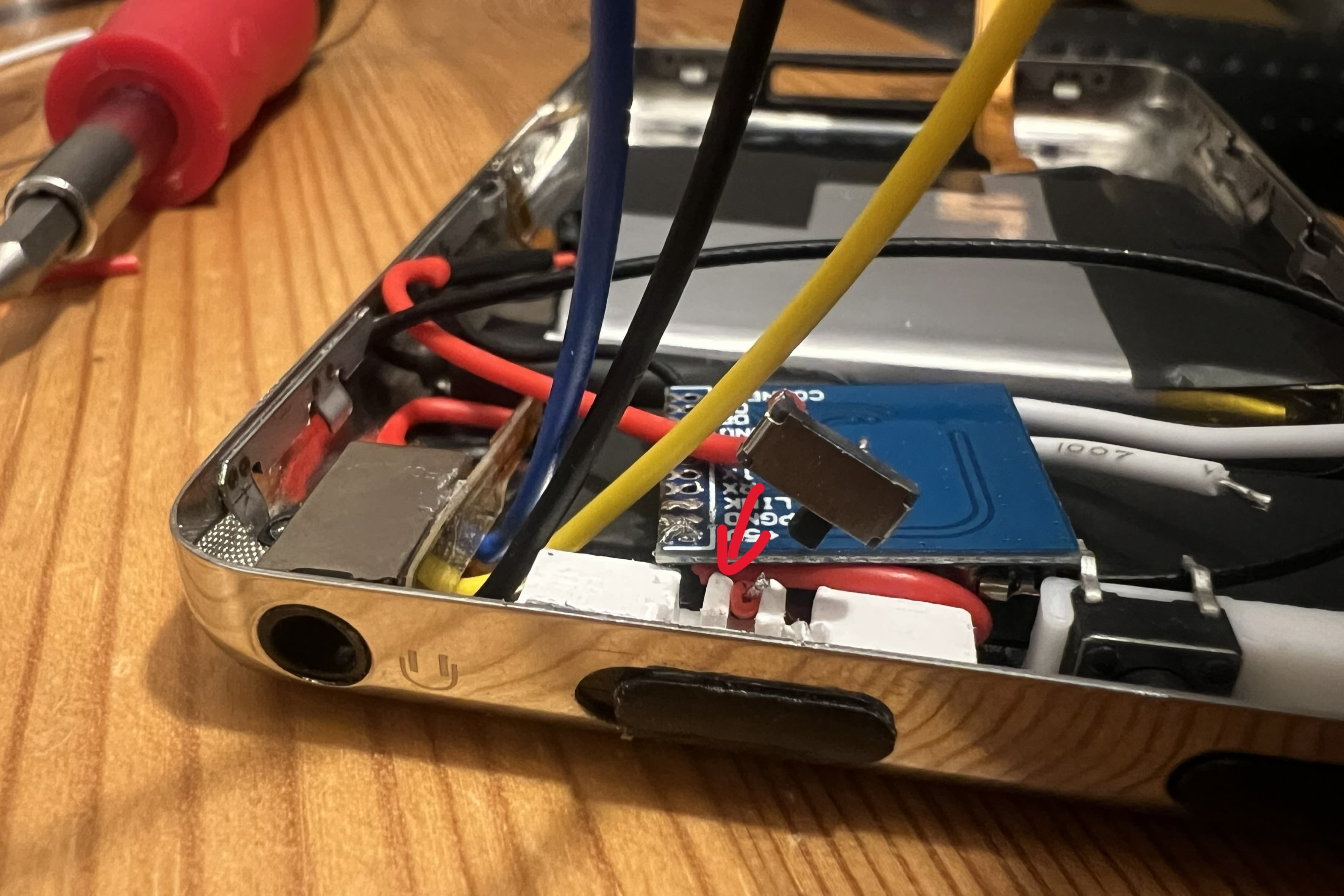
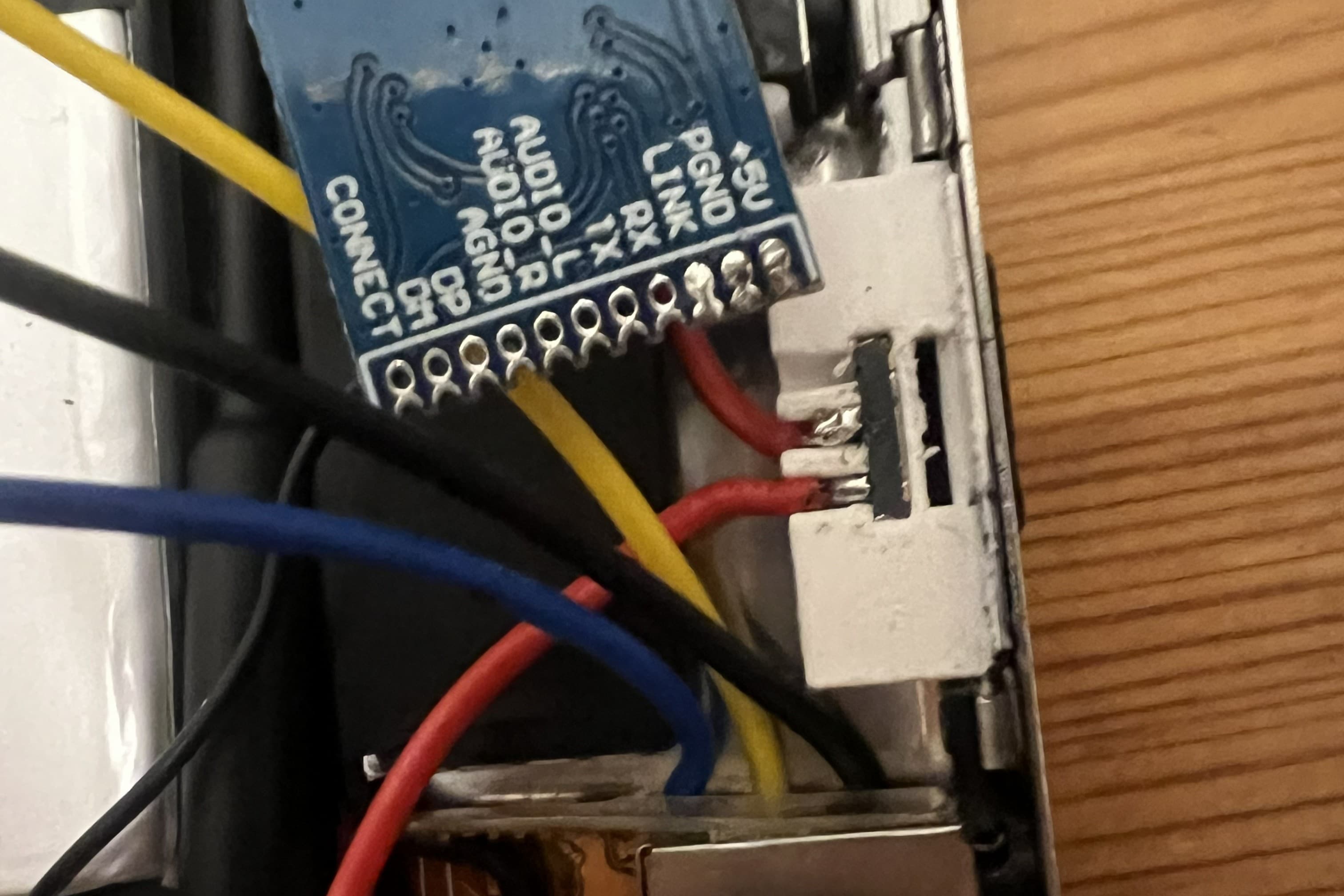
The microswitch is installed facedown in the mounting bracket. Make sure the toggle on the micro switch is aligned with the switch in the slow of the case (both are toward the right side in the photo).
Install the Other Components
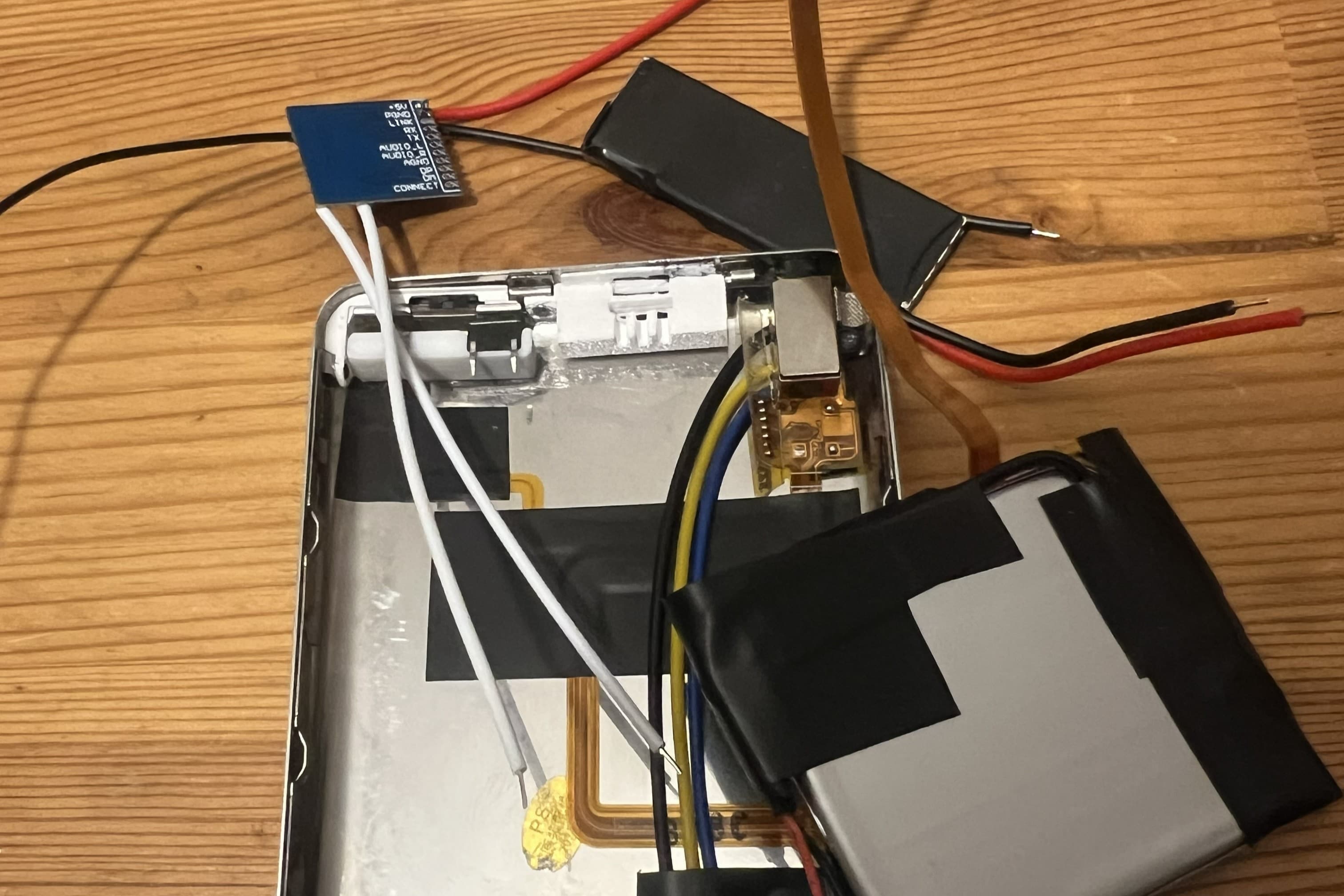
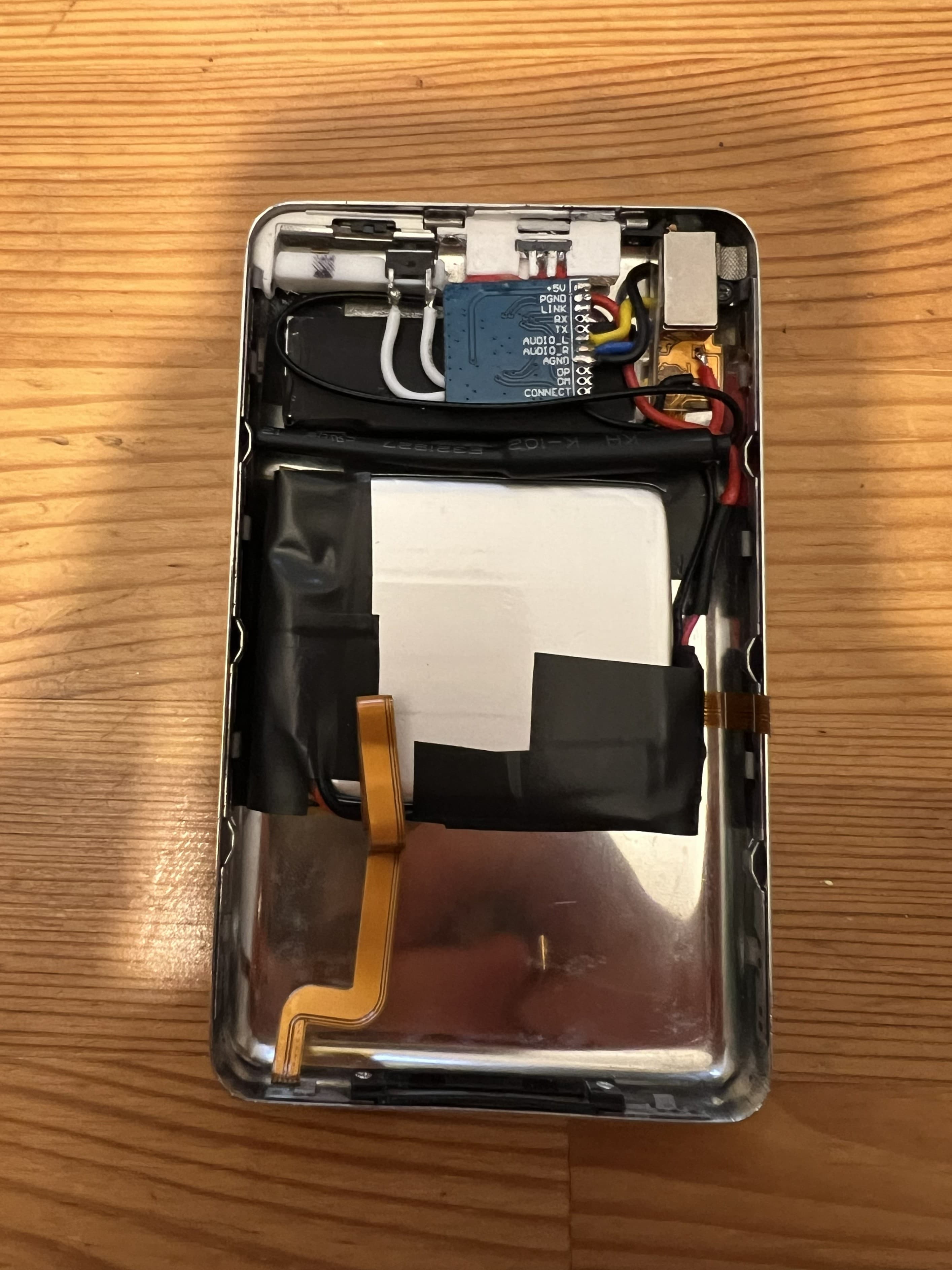
Install all your other components. I have not gone into detail on this step as there are many good tutorials online that cover this. For my build, I used the following components: - Bluetooth board: KCX_BT_EMITTER - iPhone 7 Plus Taptic Engine - 504045 Size 2000mAh LiPo Battery - iFlash uDual w Samsung 128gb SD Card
Test and Close Case
Once your done installing all the other components, test the iPod to make sure everything is working before closing up the case.
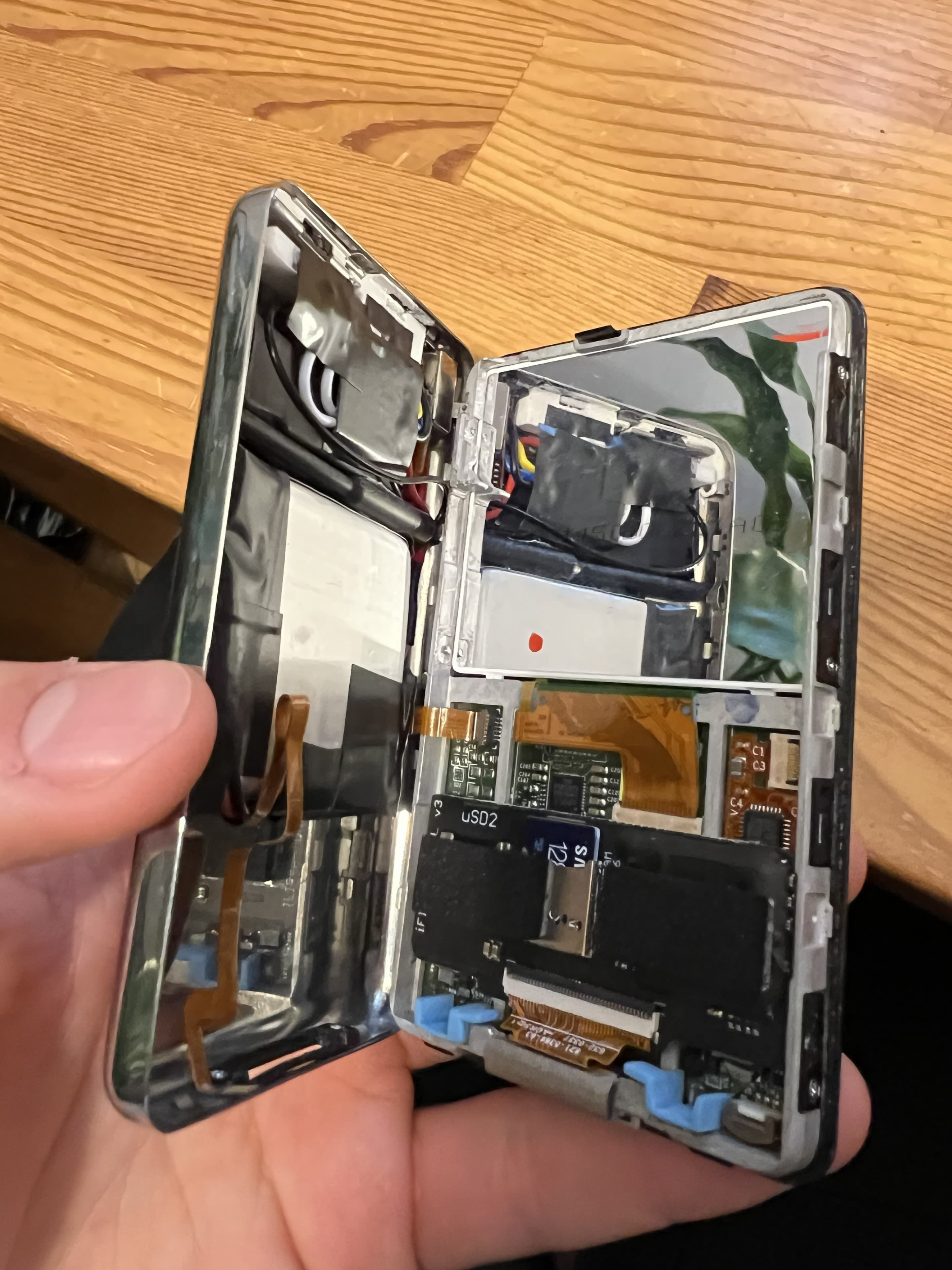
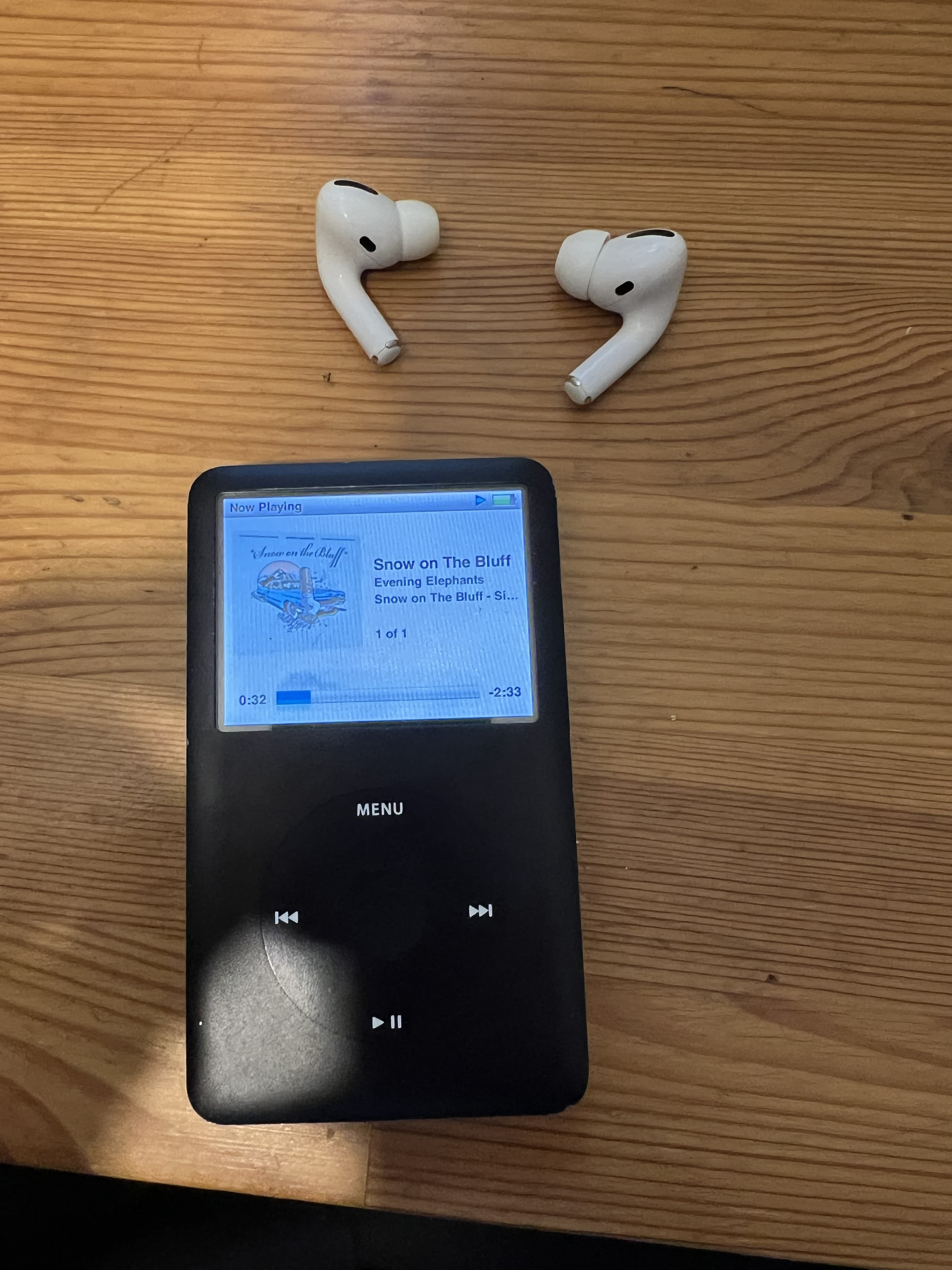
Finished
If everything went to plan, you've got a fully functioning bluetooth iPod with hold switch functionality while looking exactly like the day it left Apple. Congratulations!
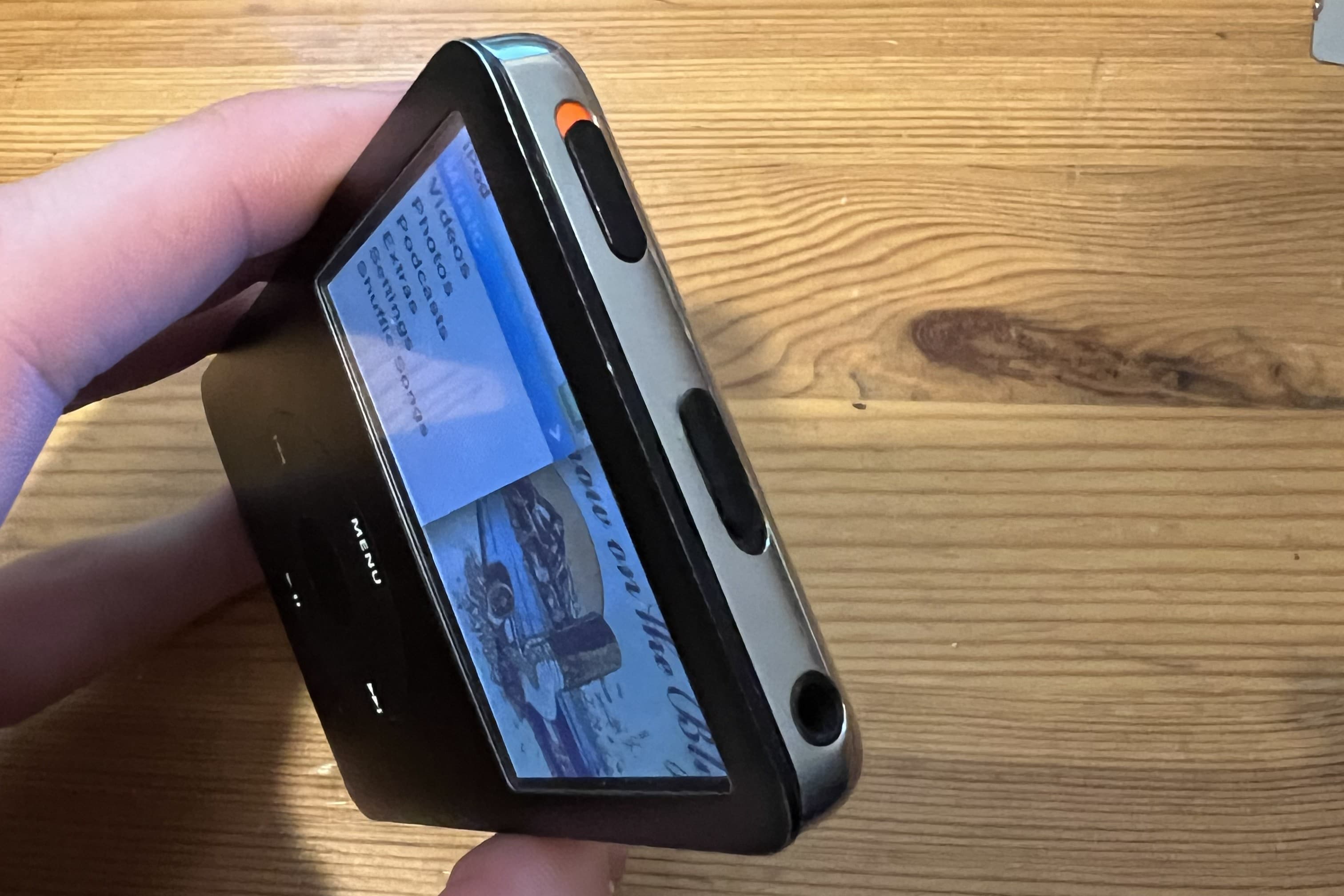
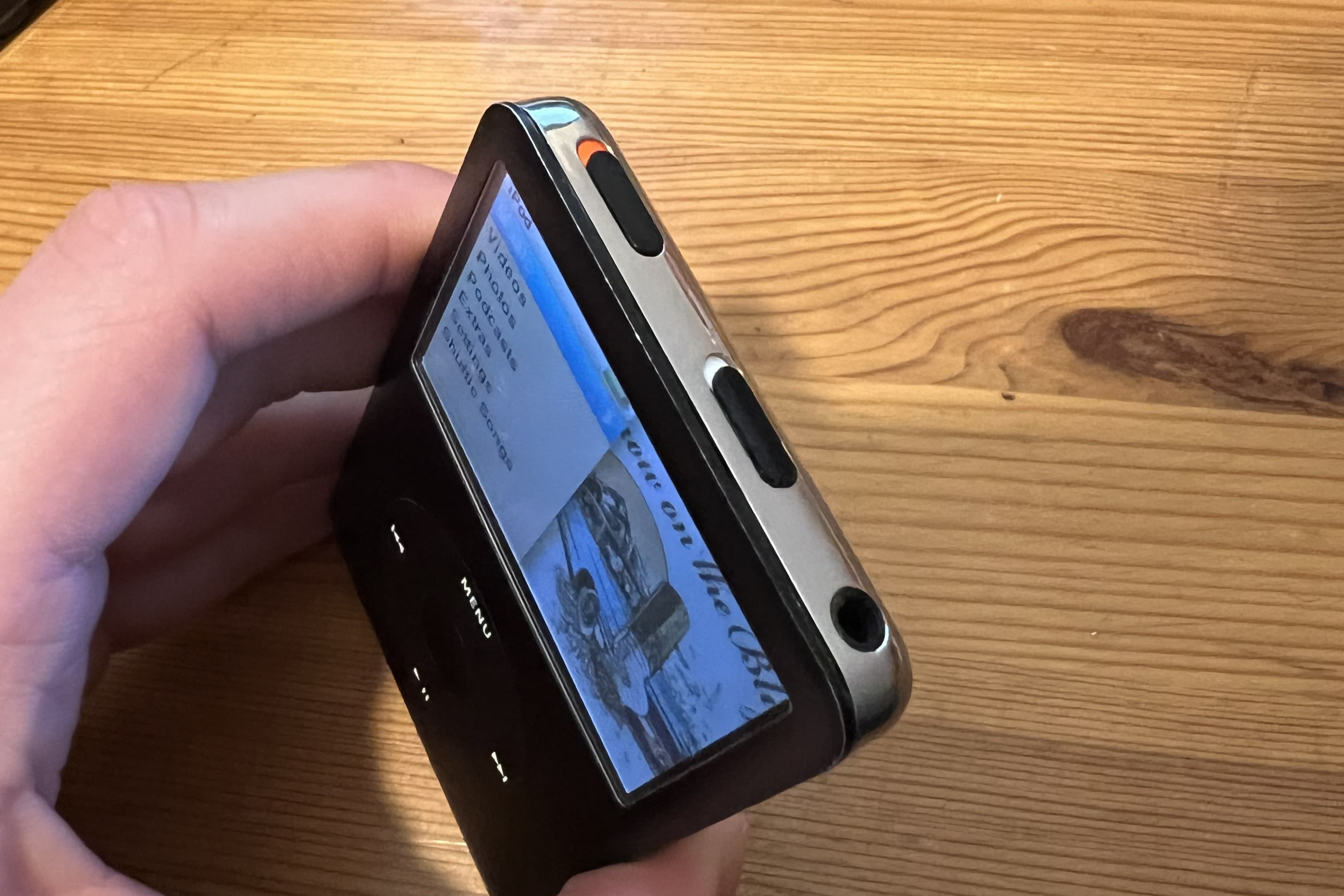
That's It
I hope you found this tutorial helpful! You can check out some of my other projects on my portfolio.
Back to Portfolio